On Domain India DirectAdmin hosting, the server itself is secured and maintained for you: the operating system, the firewall, malware scanning and the PHP builds are managed for every account on the server. Your part is the website: logins, the apps you install, file permissions, PHP settings and your own copies of backups. This guide covers what you can do inside your DirectAdmin account to keep it secure and fast, and what changes if you run DirectAdmin on your own VPS.
On DirectAdmin shared hosting you can't install firewalls or change server software; that is done for you. Protect your logins with strong unique passwords and two-factor authentication on your client area, keep every app and plugin updated, force HTTPS with the free Let's Encrypt certificate, lock down sensitive files, pick a supported PHP version, and download a copy of your JetBackup backups now and then. Server hardening such as CSF and ModSecurity only applies if you run DirectAdmin on your own VPS.
1. Who secures what
| Layer | On DirectAdmin shared hosting | On your own VPS with DirectAdmin |
|---|---|---|
| Operating system and panel updates | Done for you | You |
| Server firewall | Managed for every account | You |
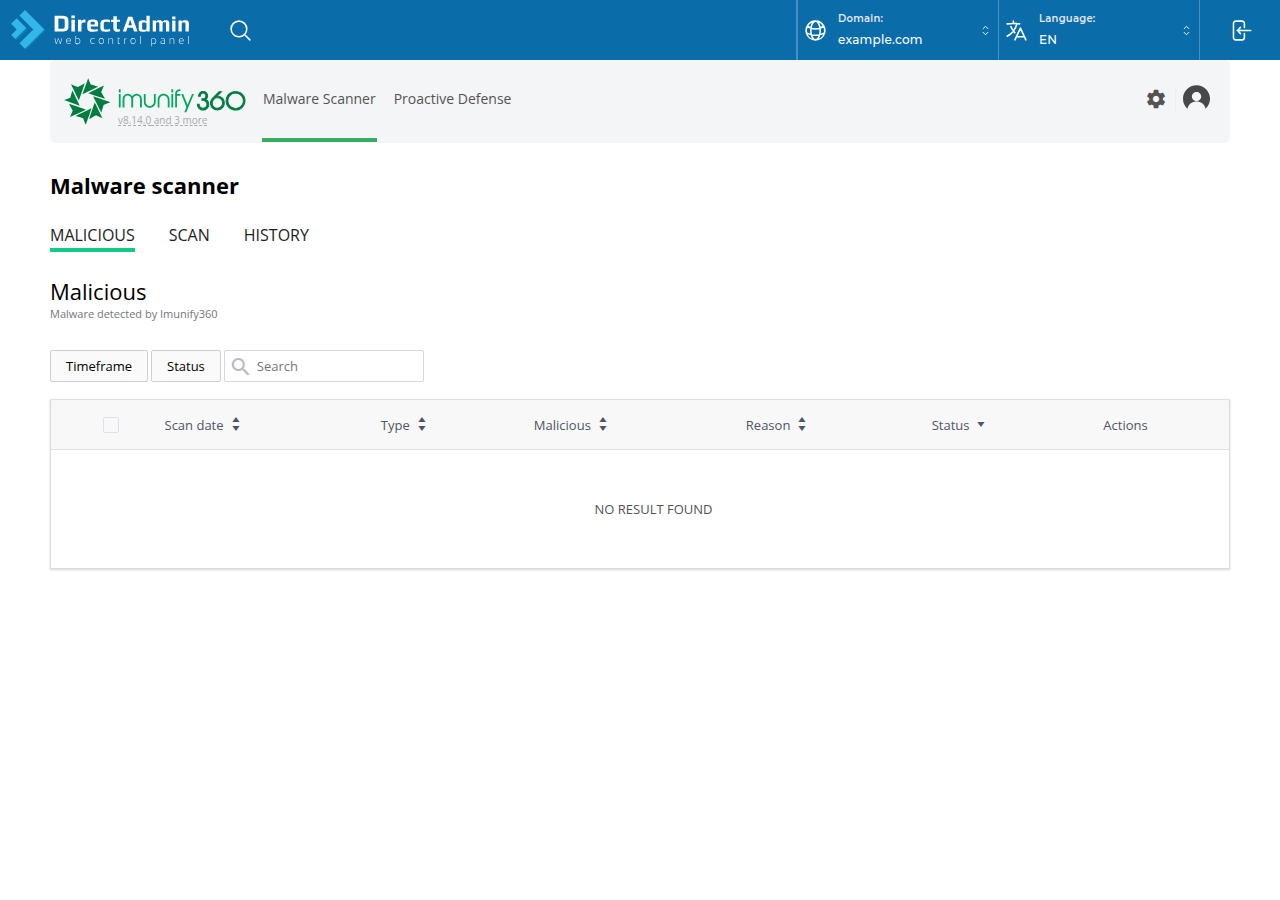
| Malware scanning | Imunify360, server-wide | You choose and run a tool |
| PHP builds and disabled functions | Set server-wide | You |
| Your apps, plugins and themes | You | You |
| Passwords and logins | You | You |
| File permissions and .htaccess | You | You |
| Backups | Weekly JetBackup, plus your own copies | You set them up |
Our DirectAdmin servers run CloudLinux 8 with CageFS, which keeps each account in its own file system so one customer can't see another's files, plus the CSF firewall and Imunify360 (measured on our servers, 20 September 2026). You don't need root commands, and you can't change these settings from your account.
2. Protect your logins
- Use a password manager. Generate a long, unique password for your client area, DirectAdmin, email accounts, FTP and every WordPress admin. Never reuse one password across them.
- Turn on two-factor authentication for your client area. Your Domain India account can reset your DirectAdmin password and change your nameservers, so it is the most valuable login you have. See how to enable two-factor authentication.
- Open DirectAdmin from the client area. The DirectAdmin button on your hosting row signs you in with a one-time session, so you don't need to type the panel password at all. See one-click DirectAdmin login.
- Reset a password you have shared with a developer or former employee: how to reset your DirectAdmin password.
Jailed SSH access is available on every shared hosting plan (cPanel, DirectAdmin, Webuzo). It is off by default; ask support to enable it for your account. SSH logins on our servers use a key, not a password, so a guessed password can't open a shell. Details are in SSH on DirectAdmin hosting.
3. Keep your apps updated
Outdated WordPress, plugins, themes and old scripts are the most common way in. Softaculous is installed on our DirectAdmin servers, and it can show and apply updates for the apps it installed.
- Update WordPress core, plugins and themes as soon as updates appear, and delete the ones you don't use.
- Remove old test installs and copies such as
site-old/frompublic_html. - Follow the complete WordPress hardening guide for WordPress-specific steps.
If your site has already been hacked, work through the security checklist for a hacked or defaced website.
4. Use HTTPS everywhere
DirectAdmin issues free Let's Encrypt certificates for your domains; see how to enable Let's Encrypt SSL in DirectAdmin. Once the padlock shows, send every visitor to https:// with this rule at the top of public_html/.htaccess:
RewriteEngine On
RewriteCond %{HTTPS} !=on
RewriteRule ^ https://%{HTTP_HOST}%{REQUEST_URI} [L,R=301]
mod_rewrite is loaded and .htaccess is allowed on our DirectAdmin servers. To also choose between www and non-www, see how to redirect non-www to www.
5. Lock down files and folders
- Permissions: folders
755, files644. Never use777; websites on our servers don't need it, and it lets anything on the account rewrite the file. - Keep secrets out of the web root. Put
.envfiles and credentials abovepublic_htmlwhere a browser can't reach them. - Block sensitive files that must stay in the web root, such as
wp-config.php:
<Files "wp-config.php">
    Require all denied
</Files>- Turn off directory listings with
Options -Indexes.
On our DirectAdmin servers, Options accepts only Indexes, IncludesNOEXEC, MultiViews, SymLinksIfOwnerMatch, FollowSymLinks and None; any other value gives a 500 error. And because PHP does not run as an Apache module, any php_value or php_flag line in .htaccess also gives a 500. If a site breaks after an edit, see troubleshooting a 500 internal server error.
6. Choose PHP settings that are safe and fast
- Pick a supported PHP version. Our DirectAdmin servers offer PHP 5.6, 7.2, 7.3, 7.4, 8.1, 8.2 and 8.3 (measured 20 September 2026). Versions before 8.2 no longer receive security fixes from the PHP project, so move to 8.2 or 8.3 as soon as your app supports it.
- OPcache keeps compiled PHP in memory and speeds up every page. On our DirectAdmin servers it is on for every PHP version except 8.3, where it is off. See the PHP OPcache guide.
- Disabled functions. Risky functions such as
exec,shell_exec,system,proc_openandpopenare disabled server-wide, and on most DirectAdmin sitescurl_execis disabled too. Composer scripts can't run on shared hosting for the same reason, so run Composer with--no-scriptsif it stops with a proc_open message. The list and workarounds are in PHP disabled functions on shared hosting. - Uploads: the PHP upload limit is 64 MB on our DirectAdmin servers; the DirectAdmin File Manager accepts files up to 500 MB.
7. Keep your own copy of your backups
Every DirectAdmin account is backed up weekly with JetBackup 5, on Sunday, and the last 5 copies are kept. You can restore from these backups yourself, or download one, from JetBackup in DirectAdmin; see backup and restore with JetBackup.
Those backups sit on our infrastructure. Before any big change, and once a month, download a copy and keep it somewhere you control.
8. Watch your logs and resource usage
- Access and error logs show who is hitting your site and which scripts fail. See how to access and analyse logs in DirectAdmin.
- Resource limits: each account has CPU, memory and process limits. If you see "Resource Limit Is Reached" or 508 errors, read resource limit issues on DirectAdmin.
- Speed: a cache plugin, optimised images and fewer plugins do more than any server tweak. Our shared hosting runs the Apache web server, so use WP Super Cache or W3 Total Cache for WordPress, not LiteSpeed Cache. More in my website is slow.
9. Protect your email
- DKIM: on our DirectAdmin servers the selector is
x, and most domains already have a key. Check yours with how to check and manage DKIM in DirectAdmin, and publish SPF and DMARC records too. - Sending limit: each DirectAdmin account can send 1,000 messages per day (200 per mailbox by default). A sudden jump in outgoing mail usually means a hacked form or mailbox.
10. Running DirectAdmin on your own VPS
Everything above still applies, but you also become the server administrator: updates, the firewall, malware scanning, ModSecurity and off-server backups are yours. Start with:
- SSH security hardening checklist for a VPS
- Firewall management with nftables and mitigating DDoS attacks using CSF, which explains CSF's current status and which servers it still supports
- Understanding and implementing a web application firewall
11. Where Domain India fits
If you want DirectAdmin without running a server, our DirectAdmin shared hosting includes the managed security stack, free SSL, Softaculous and weekly JetBackup backups. Prices on the cards are live and exclude 18% GST; on 19 September 2026, Domain India list prices were ₹100 a month for DA Starter and ₹150 a month for DA Growth.
- 10 GB NVMe SSD Storage
- 50 GB Monthly Bandwidth
- 1 Website
- 5 Email Accounts
- 30 GB NVMe SSD Storage
- Unmetered Bandwidth
- 5 Websites
- 50 Email Accounts
If you need root access, our VPS plans are self-managed, and DirectAdmin is available on a VPS as a paid option at checkout.
Can I install CSF or ModSecurity on Domain India DirectAdmin shared hosting?
No. On shared hosting the CSF firewall and Imunify360 are run server-wide by Domain India for every account, and you can't install or change server software. You can block IPs for your own site in .htaccess. Server-level tools are only for your own VPS.
How do I force HTTPS on a DirectAdmin website?
First make sure the free Let's Encrypt certificate is active; DirectAdmin issues it automatically once the domain points at your hosting. Then add a mod_rewrite rule at the top of public_html/.htaccess that redirects every http request to https with a 301. mod_rewrite is enabled on Domain India DirectAdmin servers.
Why does my site show a 500 error after I edited .htaccess?
On Domain India DirectAdmin servers, php_value and php_flag lines are not allowed because PHP does not run as an Apache module, and Options accepts only a short list of values. Remove the new line and the site comes back.
How often is my DirectAdmin account backed up?
Weekly. JetBackup 5 backs up every DirectAdmin account on Sunday and keeps the last 5 copies. You can restore or download them from JetBackup in DirectAdmin. Keep your own downloaded copy as well.
Which PHP version should I use on DirectAdmin?
Use PHP 8.2 or 8.3 if your application supports it, because older versions no longer get security fixes. Note that OPcache is currently off for PHP 8.3 on Domain India DirectAdmin servers and on for the other versions.
Ready to tighten up your site? Turn on two-factor authentication, update your apps, and download a copy of your latest backup today. For a new site, compare plans on DirectAdmin hosting. If something looks wrong, open a support ticket or use the 24/7 live chat.
Imunify360, CloudLinux isolation, free SSL and weekly JetBackup backups on every plan.
See DirectAdmin plans