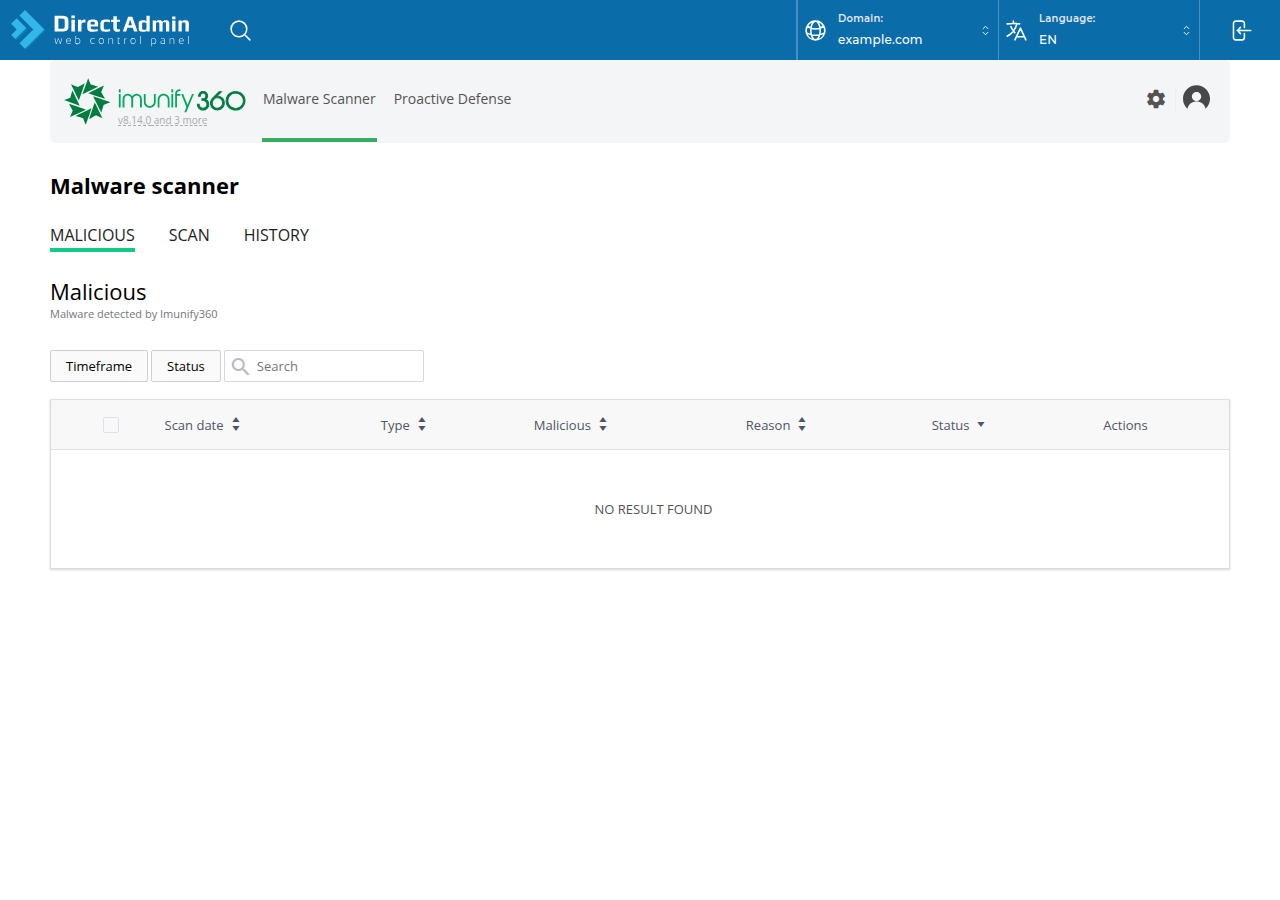
On Domain India DirectAdmin hosting, the server's security is managed for you: the firewall, Imunify360 malware scanning, CloudLinux account isolation and the PHP builds. Your part is your account and your website: logins, the apps you install, file permissions, HTTPS and your own copy of your backups. This page is the quick checklist for that part.
Every step below is explained in How to secure and optimize your DirectAdmin hosting environment, which also covers PHP versions, logs, email security and running DirectAdmin on your own VPS.
Use unique passwords from a password manager and turn on two-factor authentication for your client area. Keep WordPress, plugins and themes updated and delete what you don't use. Force HTTPS with the free Let's Encrypt certificate, set folders to 755 and files to 644, block sensitive files, and download a copy of your weekly JetBackup backup now and then.
1. The checklist
| Area | What to do |
|---|---|
| Passwords | A long, unique password for the client area, DirectAdmin, every mailbox, FTP account and WordPress admin, kept in a password manager |
| Two-factor | Turn it on for your client area under Account › Security; that account can reset your DirectAdmin password |
| Panel login | Open DirectAdmin with the button in the client area, so you don't need to type the panel password |
| Updates | Update WordPress core, plugins and themes promptly; delete unused ones and old test copies |
| HTTPS | Issue free Let's Encrypt SSL in DirectAdmin, then redirect all traffic to https |
| Permissions | Folders 755, files 644, never 777 |
| Sensitive files | Keep .env files and credentials above public_html; block the ones that must stay |
| Directory listing | Add Options -Indexes to .htaccess |
| Backups | Download a copy of your JetBackup backup before big changes and once a month |
| Logs | Check access and error logs when something looks wrong |
2. Force HTTPS and block sensitive files
Once the padlock shows, add these lines at the top of public_html/.htaccess. They use the current Apache 2.4 syntax; the old Order Allow,Deny lines in many older guides are outdated.
RewriteEngine On
RewriteCond %{HTTPS} !=on
RewriteRule ^ https://%{HTTP_HOST}%{REQUEST_URI} [L,R=301]

Options -Indexes

<Files "wp-config.php">
    Require all denied
</Files>On our DirectAdmin servers, Options accepts only Indexes, IncludesNOEXEC, MultiViews, SymLinksIfOwnerMatch, FollowSymLinks and None; any other value gives a 500 error. And because PHP doesn't run as an Apache module, any php_value or php_flag line also gives a 500. If a site breaks after an edit, remove the new line and see troubleshooting a 500 internal server error.
For permissions in detail, see how to manage file permissions in DirectAdmin.
3. Backups and logs
Every DirectAdmin account is backed up weekly with JetBackup 5, on Sunday, and the last 5 copies are kept. You can restore or download them yourself from JetBackup in DirectAdmin; see backup and restore with JetBackup. Keep your own downloaded copy as well, somewhere you control.
For access and error logs, see how to access and analyse logs in DirectAdmin. Repeated requests to wp-login.php or xmlrpc.php, or to admin pages you don't have, are the usual signs of automated attacks.
4. If your site has been hacked
Imunify360 runs on our DirectAdmin server, but no scanner catches everything. If you see a defaced page, spam links or a browser warning, work through the security checklist for a hacked or defaced website, then change every password.
- 10 GB NVMe SSD Storage
- 50 GB Monthly Bandwidth
- 1 Website
- 5 Email Accounts
Prices on the cards exclude 18% GST.
Do I need to install a firewall or malware scanner on DirectAdmin hosting?
No. On Domain India DirectAdmin shared hosting, the CSF firewall and Imunify360 run server-wide for every account, and you can't install server software. Your part is logins, updates, permissions, HTTPS and backups.
How do I turn on two-factor authentication?
In the Domain India client area, open Account › Security and click Enable 2FA, then scan the QR code with an authenticator app and enter the six-digit code.
What file permissions should I use on DirectAdmin?
Folders 755 and files 644. Never use 777: websites on our servers don't need it, and it lets anything on the account rewrite the file.
How often is my DirectAdmin account backed up?
Weekly. JetBackup 5 backs up every DirectAdmin account on Sunday and keeps the last 5 copies, which you can restore or download from JetBackup in DirectAdmin.
Why does my site show a 500 error after I edited .htaccess?
On our DirectAdmin servers, php_value and php_flag lines are not allowed, and Options accepts only a short list of values. Remove the new line and the site comes back.
Ready to tighten up your site? Turn on two-factor authentication, work through the full DirectAdmin security guide, or compare DirectAdmin hosting plans. If something looks wrong, open a support ticket or use the 24/7 live chat.
Imunify360, CloudLinux isolation, free Let's Encrypt SSL and weekly JetBackup backups on every plan.
See DirectAdmin plans