FileZilla's message log, at the top of the window, tells you exactly what went wrong. This guide explains the FileZilla errors Domain India customers see most often, what causes each one on our hosting, and how to fix it without switching off the encryption that protects your password.
Connect with Protocol: FTP, Encryption: Require explicit FTP over TLS, port 21, your server hostname as the host and passive transfer mode. Most errors come from a wrong password (530), a blocked IP after repeated failures (timeouts), a firewall blocking the data connection ("Failed to retrieve directory listing"), or port 990 or 22 used by mistake. Don't fix errors by choosing "Only use plain FTP": it sends your password unencrypted. SFTP on port 22 works only after jailed SSH is enabled for your account, and it needs an SSH key, not a password.
1. First, check your site settings
Open File › Site Manager, select your site and compare it with this table.
| Setting | Use this | Common mistake |
|---|---|---|
| Protocol | FTP - File Transfer Protocol | SFTP chosen without SSH enabled |
| Host | Your server hostname from the welcome email or client area | Your domain before it points to us, or a mistyped name |
| Port | 21 (or leave blank) | 990 or 22 |
| Encryption | Require explicit FTP over TLS | Implicit FTP over TLS, or plain FTP |
| Logon Type | Normal, or Ask for password | Anonymous |
| User | Your control panel username, or an extra FTP account such as [email protected] | FTP account name without @yourdomain.com |
| Transfer mode (Transfer Settings tab) | Passive (Default also uses passive) | Active |
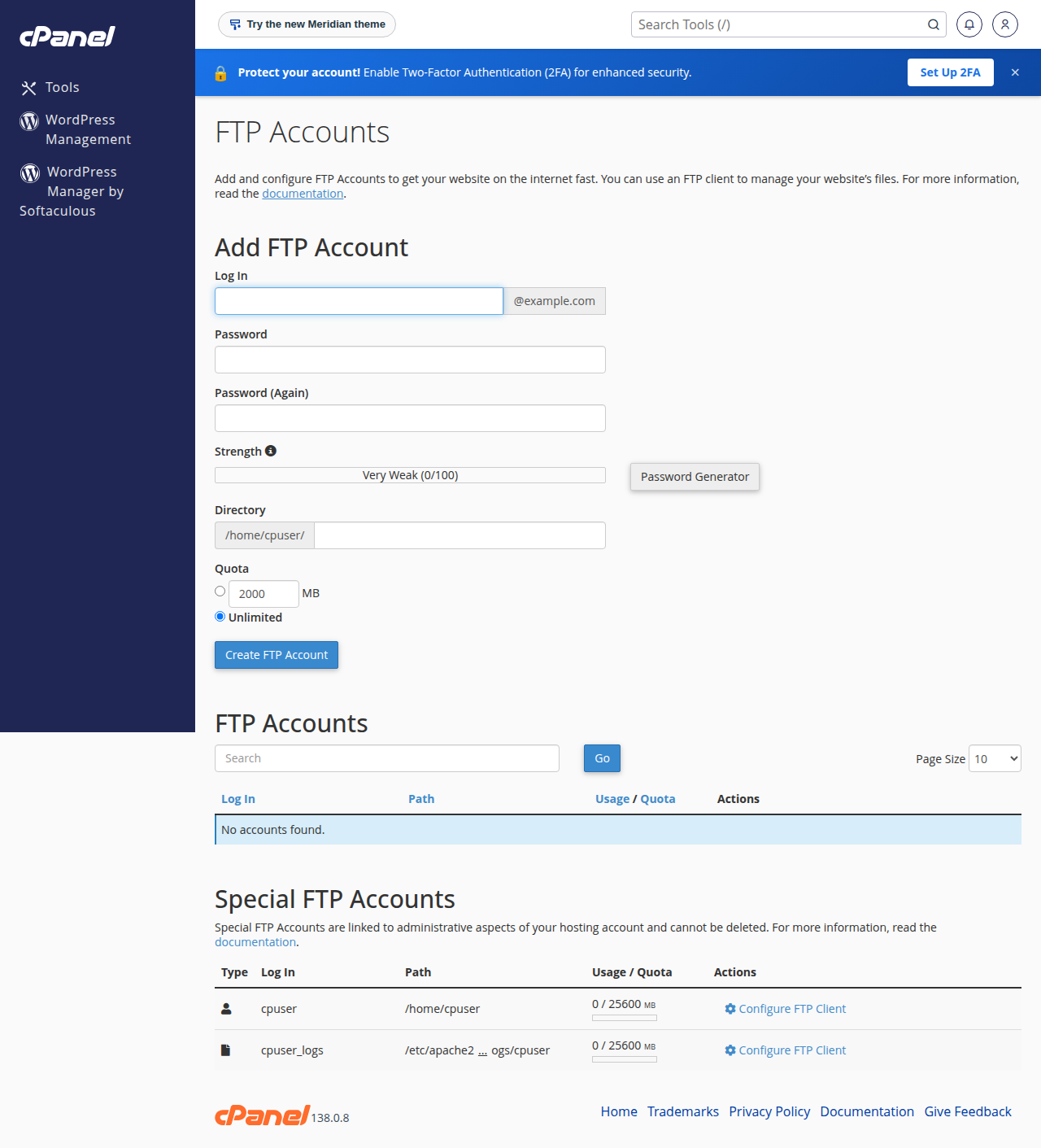
Your username, server IP and control panel address are in the client area under My Hosting › Manage › Access. Lost the welcome email? See I didn't get my welcome email. The full setup, with WinSCP and Cyberduck too, is in how to use SSL/TLS encryption in FTP clients.
2. Login errors
| FileZilla message | What it means | Fix |
|---|---|---|
| 530 Login authentication failed | The username or password is wrong | Copy the username exactly from your panel; reset the password in the control panel or the client area's Access tab, then try again |
| 530 Login incorrect, with an extra FTP account | The account name is missing the domain part | Type the full name, for example [email protected] |
| Timeout or "Connection refused" after several failed logins | Your IP address has been blocked for too many failed attempts | Stop retrying, check the password, and see the block guide below |
Our servers block an IP address that fails to log in too many times. On our cPanel server the FTP limit is 10 failed logins within an hour (measured 23 September 2026). Once blocked, every connection from your network to that server fails, including your website and email. If you think you are blocked, read I can't reach my server: have I been blocked? before trying again.
To change the password itself, see how to change your hosting account password.
3. Connection errors
| FileZilla message | Likely cause | Fix |
|---|---|---|
| Connection timed out after 20 seconds of inactivity | Wrong host, your IP is blocked, or your network blocks port 21 | Check the host; try a mobile hotspot; check for a block |
| Could not connect to server / ECONNREFUSED on port 990 | Implicit TLS on port 990, which is closed on every Domain India server | Set Encryption to "Require explicit FTP over TLS" and the port to 21 |
| ECONNREFUSED or timeout on port 22 | SFTP chosen, but SSH isn't enabled for your account, or you are on Windows (Plesk) hosting | Use FTP with explicit TLS on port 21, or ask support to enable jailed SSH |
| Could not resolve host name | The host is mistyped, or your domain doesn't point to us yet | Use the server hostname from your welcome email |
| 421 Too many connections (8) from this IP | More than 8 connections from your address at once | Lower simultaneous transfers (section 5) and reconnect |
| Connection closed by server, after a quiet spell | An idle connection is closed after 15 minutes | Reconnect; FileZilla reconnects on its own when you next transfer |
The limits in this table (8 connections per IP and a 15-minute idle timeout) were measured on our cPanel server on 23 September 2026. Other servers may differ.
4. Directory listing and passive mode errors
"Failed to retrieve directory listing" is the most common FileZilla error. It means the login worked, but the second connection that carries the folder list was blocked.
FTP uses two connections: commands on port 21, and a separate data connection for every listing and file. In passive mode your computer opens both outward, which works through home routers and most office firewalls. Try these in order:
- Use passive mode.In Site Manager › Transfer Settings, set Transfer mode to Passive, then reconnect.
- Pause antivirus FTP scanning or a VPN.Some security software inspects FTP and breaks encrypted data connections. Pause it briefly and try again.
- Try another network.Connect over a mobile hotspot. If it works there, your office or college firewall is blocking the data connections; ask your IT team.
- Check the passive IP setting.If the log says "Server sent passive reply with unroutable address", open Edit › Settings › Connection › FTP › Passive mode and choose Use the server's external IP address instead.
SFTP avoids this problem, because it uses a single connection on port 22. It needs jailed SSH enabled for your account (see section 6).
5. Transfer errors
| FileZilla message | Likely cause | Fix |
|---|---|---|
| 550 Permission denied | The FTP account is locked to another folder, or the file or folder permissions block it | Log in with the main account, or check the FTP account's home folder in your panel |
| 553 Can't open that file, or 550 No such file or directory | The folder doesn't exist, or the file name has characters the server rejects | Create the folder first; rename files to use letters, numbers, dashes and dots |
| Upload fails near the end, or a quota message | Your disk space is full | Check disk usage in your panel, delete old files or backups, or upgrade the plan |
| The TLS connection was non-properly terminated (GnuTLS error) | The encrypted session closed untidily at the end of a transfer | Usually harmless if the file arrived; check its size, and update FileZilla if it repeats |
If many transfers fail at once, reduce the load: Edit › Settings › Transfers, set Maximum simultaneous transfers to 2, and reconnect. It also prevents the "421 Too many connections" error.
6. SFTP errors (port 22)
SFTP is a different protocol from FTP. On Domain India shared hosting it needs jailed SSH, which is available on every cPanel, DirectAdmin and Webuzo plan but is off by default: ask support to enable it for your account. Windows (Plesk) hosting has no SSH, so SFTP never works there.
On our cPanel and DirectAdmin servers, SSH accepts keys only; password login is switched off. Use a key on Webuzo too. That explains the most common SFTP error:
| FileZilla message | What it means | Fix |
|---|---|---|
| No supported authentication methods available (server sent: publickey) | You tried to log in with a password; the server accepts only an SSH key | In Site Manager, set Logon Type to Key file and choose your private key |
| Connection refused, or timeout, on port 22 | SSH isn't enabled for your account yet | Ask support to enable jailed SSH, or use FTP with explicit TLS |
| Server's host key is unknown | The first connection to this server | Expected once; check the fingerprint and trust it. If it later says the key has changed, stop and contact support |
To create a key and add it to your account, follow how to generate SSH keys and enabling and accessing jailed SSH.
7. Certificate warnings
FileZilla shows the server's certificate the first time you connect. Accept it only if it is valid, in date and issued for the server hostname you typed. If it names a different hostname, change the Host to the server hostname and reconnect. If it is expired or untrusted for our server's own hostname, don't accept it; send us a screenshot.
Older advice, including an earlier version of this article, said to choose "Only use plain FTP (insecure)" when FileZilla failed after an upgrade. That hides the real cause and sends your username and password across the internet unencrypted. Use "Require explicit FTP over TLS" on port 21 and fix the actual error from the tables above.
8. Hosting that makes secure transfer easy
Every Domain India shared hosting plan includes FTP with explicit TLS on port 21, extra FTP accounts you can lock to one folder, a browser File Manager, and jailed SSH on request:
- 25 GB NVMe SSD Storage
- 50 GB Monthly Bandwidth
- 1 Website
- 10 Email Accounts
- 10 GB NVMe SSD Storage
- 50 GB Monthly Bandwidth
- 1 Website
- 5 Email Accounts
Cards show Domain India list prices on 19 September 2026, excluding 18% GST. Still stuck? Our support team is on 24/7 live chat, and tickets get a first response within 15 minutes. There is no phone support.
9. Frequently asked questions
What does "Failed to retrieve directory listing" mean in FileZilla?
The login worked, but the separate data connection that carries the folder list was blocked. Set the transfer mode to Passive, pause antivirus FTP scanning or any VPN, and try another network such as a mobile hotspot to see whether a firewall is the cause.
How do I fix "530 Login authentication failed"?
The username or password is wrong. Copy the username exactly from your control panel, including @yourdomain.com for extra FTP accounts, and reset the password if needed. Stop after a few attempts, because repeated failures get your IP address blocked.
Which port and encryption should I use in FileZilla for Domain India hosting?
Use Protocol FTP, Encryption Require explicit FTP over TLS, and port 21, with your server hostname as the host. Port 990 (implicit TLS) is closed on every Domain India server. Port 22 is for SFTP and works only once jailed SSH is enabled for your account.
Why does FileZilla say "No supported authentication methods available (server sent: publickey)"?
You connected with SFTP using a password, but SSH on Domain India shared hosting is set up for SSH keys, not passwords. Set Logon Type to Key file in Site Manager and select your private key, or use FTP with explicit TLS on port 21 with your password.
Why do I get "421 Too many connections"?
Too many connections are open from your IP address at once. On Domain India's cPanel server the limit is 8 per IP. Lower Maximum simultaneous transfers to 2 in FileZilla's Transfers settings and reconnect.
Should I choose "Only use plain FTP" to make FileZilla connect?
No. Plain FTP sends your username and password unencrypted. Use Require explicit FTP over TLS on port 21, and fix the underlying error instead.
Ready to connect? Find your hosting details under My Hosting in the client area, or compare cPanel and DirectAdmin hosting plans.
Send us the host, port and encryption you used, plus the last lines of the FileZilla message log, and our support team will find the cause.
Open a support ticket