When a PHP site uses too much CPU, memory or disk I/O, the cause is usually in the code, not the server. A script that fails the same way thousands of times a day, a cron job that crashes and restarts every minute, or an error log that grows by gigabytes can all push your account into its limits. This guide shows which PHP errors actually cost resources, how to find them in your logs and how to fix them properly.
A single fatal error is cheap: the script stops. What costs resources is an error that repeats, such as a form or cron job failing on every run, bots hitting a broken URL, or a loop that retries a failing query. Find the pattern in your error_log files and in cPanel's Metrics › Errors, fix the cause with input validation and prepared statements, stop failing cron jobs, and clear log files that have grown huge. Then confirm in Metrics › Resource Usage that the faults have stopped.
For the error page itself, the limits behind it and the other big causes (bots, login attacks, slow outside services), start with Understanding and troubleshooting the Resource Limit Is Reached error. This article covers the code side.
1. How PHP errors turn into high resource usage
A fatal error ends the request, so on its own it uses very little. Errors become expensive when they repeat or when the code around them keeps working hard before it fails:
- The same error thousands of times. A broken form, API endpoint or page that bots and visitors keep hitting. Every hit runs PHP, opens a database connection and writes a log line.
- Error log floods. Notices and warnings inside a loop can write megabytes a minute. That is disk I/O on every request, and the
error_logfile counts towards your disk space. - Failing cron jobs. A job scheduled every minute that crashes half-way never finishes its work, so the next run starts the whole job again.
- Retry loops. Code that retries a failed query or API call in a loop with no limit or delay can hold a PHP process until the time limit.
- Heavy work before the crash. A script that loads a large table into memory and then fails on one bad row pays the full cost every time.
2. Find the errors
PHP errors are logged by default on our cPanel and DirectAdmin servers; you only need to find them.
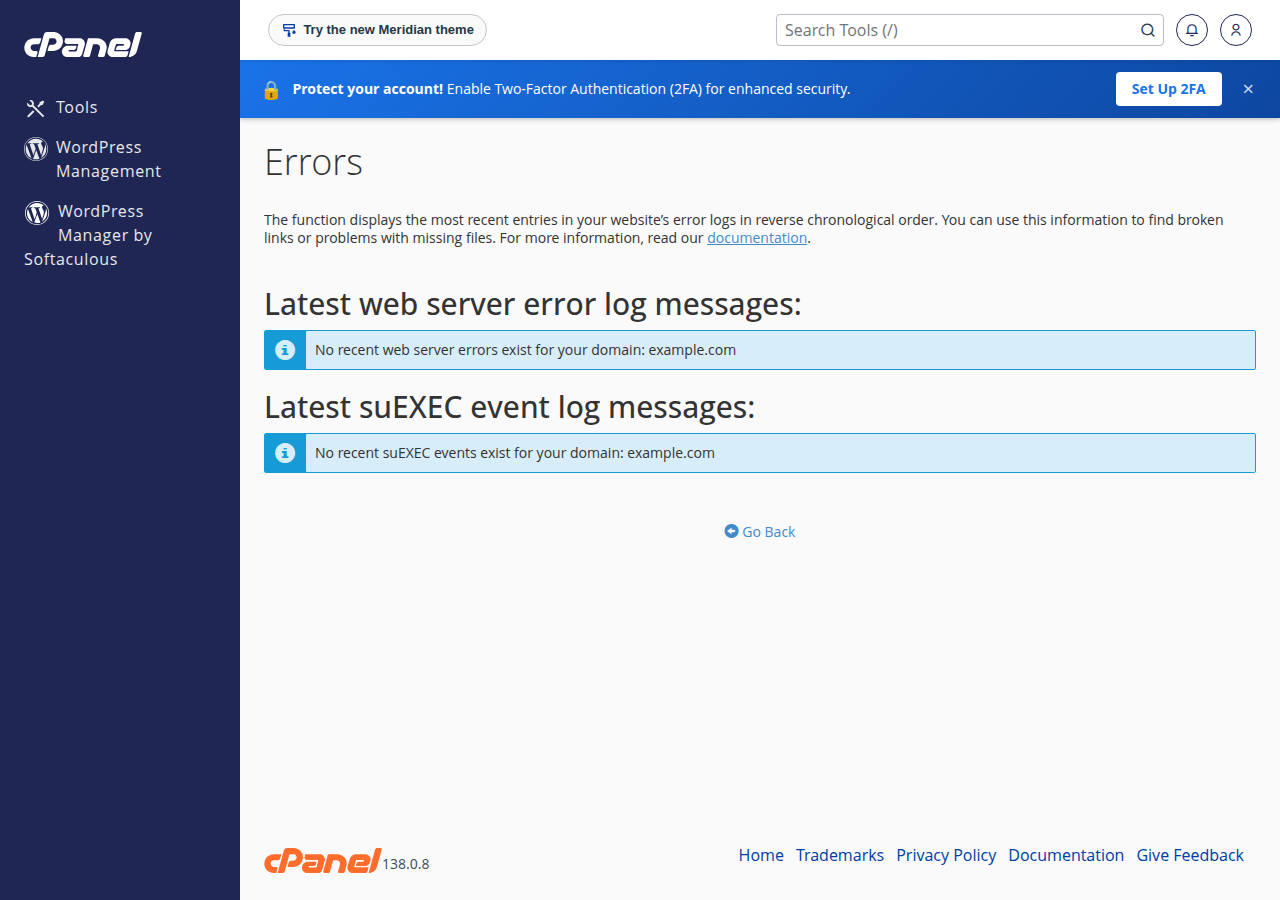
- Check Metrics › Errors in cPanel.It lists recent web server errors for your account, including lines containing
PHP message:. - Open the
error_logfilein the folder of the failing script, for examplepublic_html/error_log, with File Manager. The newest lines are at the bottom. On cPanel, also checklogs/yourdomain_com.php.error.login your home folder. - Look for repetition, not just the latest line.One error repeated 50,000 times is your problem; ten different one-off warnings usually are not.
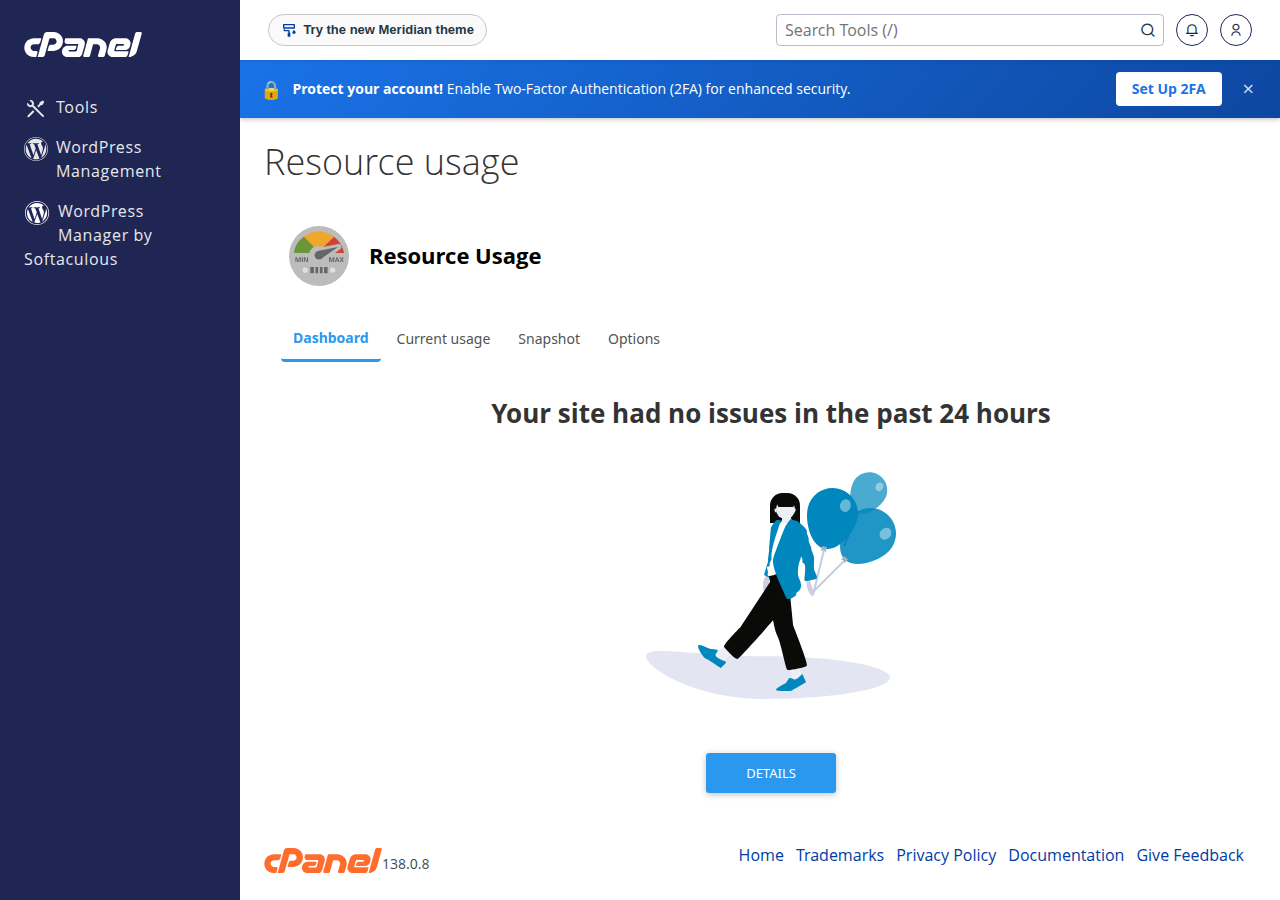
- Match the timesagainst the faults in Metrics › Resource Usage, as described in How to check your hosting resource usage.
Download the log and summarise it on your computer, or run the same commands on the server if SSH is enabled on your account:
# Which fatal errors repeat most
grep "PHP Fatal" error_log | sed 's/^\[[^]]*\] //' | sort | uniq -c | sort -rn | head -20

# How big the log files are
find ~/public_html -name error_log -size +10M -exec ls -lh {} \;
For the full tour of logs on both panels, see A guide to reviewing error logs in cPanel and DirectAdmin.
3. The errors we see most, and the real fix
Since PHP 8.1, mysqli throws an exception on database errors by default, which is why these messages start with Uncaught mysqli_sql_exception.
| Error message | What it means | The fix |
|---|---|---|
| Incorrect DATE value: '' | An empty string was sent to a DATE column | Validate the date; send NULL when the field is empty |
| Incorrect integer value: '' for column | An empty string was sent to a number column | Validate and cast the input; send NULL or a default |
| You have an error in your SQL syntax | The query was built by joining strings, often with user input | Use prepared statements with placeholders |
| Undefined constant "ABSPATH" | A WordPress file was requested directly, outside WordPress | Block direct access; never define ABSPATH yourself |
| Call to a member function close() on null | An earlier step failed and returned null or false | Check each return value, or let the exception stop the script |
| Allowed memory size exhausted | One request loaded too much data | Process in batches; see the memory article linked below |
The first three have one cure: validate the input and use prepared statements. Never put user input directly into SQL.
<?php
$date = $_POST['date'] ?? '';
$fees = $_POST['fees'] ?? '';

$d = DateTime::createFromFormat('Y-m-d', $date);
$dateValue = ($d && $d->format('Y-m-d') === $date) ? $date : null;
$feesValue = filter_var($fees, FILTER_VALIDATE_INT, ['options' => ['min_range' => 0]]);

if ($feesValue === false) {
    http_response_code(422);
    exit('Please enter a valid fee.');
}

try {
    $stmt = $mysqli->prepare('INSERT INTO payments (paid_on, fees) VALUES (?, ?)');
    $stmt->bind_param('si', $dateValue, $feesValue);
    $stmt->execute();
} catch (mysqli_sql_exception $e) {
    error_log('Payment insert failed: ' . $e->getMessage());
    http_response_code(500);
    exit('Sorry, something went wrong.');
}
About "Undefined constant ABSPATH". This almost always means a bot or scanner requested a plugin or theme file directly. Don't "fix" it by defining ABSPATH in the file, which makes the file run outside WordPress. Instead, make the file stop immediately when loaded directly by putting this line at the top:
<?php defined('ABSPATH') || exit;If the error comes from a plugin you didn't write, update the plugin, or remove it if it is abandoned.
For memory errors, see How to fix "Allowed memory size exhausted" PHP errors.
4. Stop the repeat, not just the error
- Fix or pause failing cron jobs. In cPanel's Cron Jobs page, comment out or delete the job until it is fixed, and make long jobs work in small batches so each run finishes.
- Put limits on retries. Retry a failed call two or three times with a delay, then give up and log it once.
- Give outside calls a timeout. A cURL call with no timeout can hold a PHP process for minutes; see section 5 of the Resource Limit article linked at the top.
- Silence noise the right way. Fix notices and deprecation warnings in loops rather than hiding them; they cost a disk write each time.
- Clear huge logs after the fix. Once the cause is fixed, delete the oversized
error_logfile; PHP creates a new one the next time something fails. - Never display errors to visitors on a live site. Keep
display_errorsoff and read the log. See How to show PHP error messages safely.
5. Things that look like code errors but aren't
Some failures come from the server's security settings, not from a bug. Shared hosting disables PHP functions such as exec, proc_open and shell_exec. Code that calls them fails every time and can fill a log quickly. See PHP disabled functions on shared hosting for the list and the alternatives.
6. Where Domain India fits
Our cPanel and DirectAdmin hosting runs on CloudLinux, which gives every account its own share of CPU, memory and simultaneous PHP requests, so a runaway script shows up in your own Resource Usage page and can't take over the server. Once the code is fixed, upgrade only if the faults continue: an active cPanel or DirectAdmin plan can be changed at any time, as explained in Can I upgrade my web hosting package?. Applications that need to run programs or long background workers belong on a VPS or the App Platform.
Can PHP errors cause high CPU or memory usage?
A single fatal error usually costs very little, because the script stops. High usage comes from errors that repeat thousands of times, failing cron jobs that restart, retry loops, and warnings inside loops that write to the error log on every pass.
Where do I find PHP errors on Domain India hosting?
In cPanel, check Metrics › Errors and the error_log file in the folder of the failing script. On cPanel there is also a PHP error log in the logs folder of your home directory. On DirectAdmin, check the error_log file next to the script or ask support to read the domain's logs.
How do I fix "Incorrect integer value" or "Incorrect DATE value" errors?
Validate the input before it reaches the database, and send NULL or a sensible default when a field is empty. Use prepared statements so the value is passed separately from the SQL.
Should I define ABSPATH to fix "Undefined constant ABSPATH"?
No. The error means a WordPress file was loaded directly, usually by a bot. Add defined('ABSPATH') || exit; at the top of your own files, and update or remove the plugin if the file belongs to one.
Can I delete a large error_log file?
Yes, once you have read it and fixed the cause. It counts towards your disk space, and PHP creates a new file the next time an error occurs.
Will upgrading my plan fix high resource usage caused by errors?
Usually not. A repeating error uses whatever resources it is given. Fix the error first, then upgrade only if Resource Usage still shows faults.
Ready to track it down? Read your logs with the error log guide, check your limits in hosting resource usage, or open a ticket and we will look at the logs with you.
Tell us the site, when the problem happens and what Resource Usage shows, and we will help you find the script behind it.
Open a support ticket