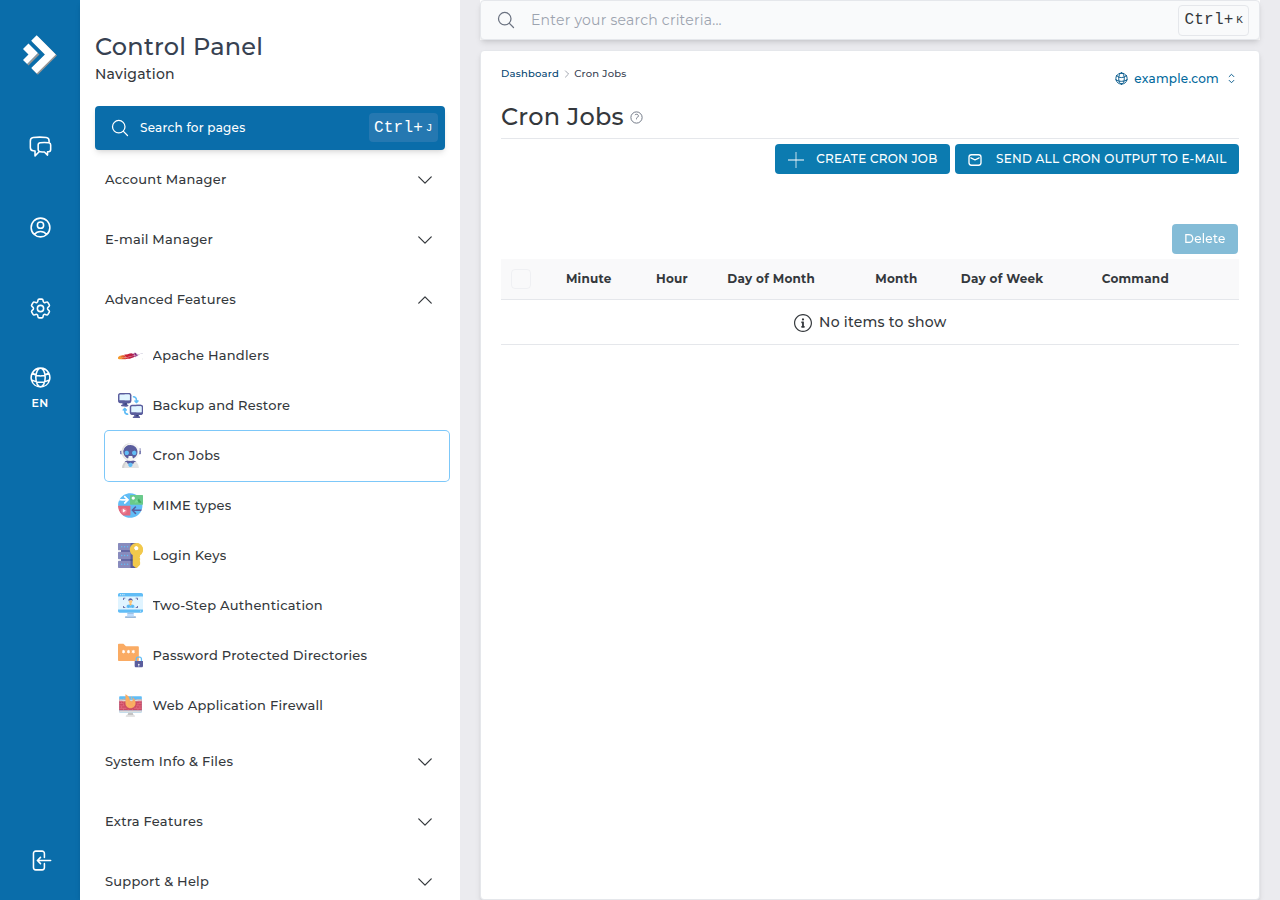
These are ready-to-use cron job commands for common tasks on Domain India DirectAdmin hosting: WordPress, PHP scripts, database backups, cleanups and more. Copy one into DirectAdmin's Cron Jobs page, replace USERNAME and example.com with your own details, and check the log the first time it runs.
How to add a job, what the five time fields mean and how to troubleshoot are covered in Setting up cron jobs in DirectAdmin. For cron in general, see How to set up a cron job.
On our DirectAdmin server, run PHP with the versioned binary, for example /usr/local/php83/bin/php, and give full paths to everything under /home/USERNAME/domains/example.com/public_html. Write every % as \%. Jobs set to run every 1, 2 or 3 minutes are changed to every 4 minutes automatically, and schedules run in Indian Standard Time. Send output to a log while testing, then discard it.
1. Before you copy an example
- Schedule and command are separate. Each example shows the five schedule values followed by the command. In DirectAdmin, put the schedule values in the time fields and everything after them in the command box.
- Use your PHP version. Each version has its own binary:
/usr/local/php83/bin/php,/usr/local/php82/bin/phpand so on. The plain/usr/local/bin/phpon our server is PHP 8.1, which may not be what your site runs. - Your paths. Websites live in
/home/USERNAME/domains/example.com/public_html. Keep scripts, logs and backups outsidepublic_htmlso they can't be opened from the web. - Escape
%. Cron treats a bare%as a line break, so dates like$(date +%F)must be written$(date +\%F)in the command box. Inside a script file, no escaping is needed. - Every 4 minutes is the minimum. An hourly check on our cPanel and DirectAdmin shared servers rewrites jobs set to every 1, 2 or 3 minutes to
*/4.
2. WordPress: replace WP-Cron with a real cron job
WordPress's own scheduler only runs when someone visits the site. A real cron job makes scheduled posts and plugin tasks run on time.
First add this line to wp-config.php, above "That's all, stop editing":
define( 'DISABLE_WP_CRON', true );Then add a job every 15 minutes:
*/15 * * * * cd /home/USERNAME/domains/example.com/public_html && /usr/local/php83/bin/php wp-cron.php >/dev/null 2>&1More in WordPress cron and scheduled tasks.
3. Run a PHP script on a schedule
Hourly, for example to send queued emails or sync data:
0 * * * * /usr/local/php83/bin/php /home/USERNAME/domains/example.com/public_html/send-emails.php >/dev/null 2>&1If the script includes other files by relative path, change into its folder first, as in the WordPress example.
Some applications give you a cron URL instead of a file. Call it with curl:
*/15 * * * * /usr/bin/curl -s "https://example.com/cron.php?key=YOUR_KEY" >/dev/null 2>&14. Nightly database backup
Keep the database password out of the cron line. Create /home/USERNAME/.my.cnf in the File Manager, set its permissions to 600, and add:
[mysqldump]
user=USERNAME_dbuser
password=your-database-password
Then create /home/USERNAME/scripts/db_backup.sh:
#!/bin/bash
BACKUP_DIR="/home/USERNAME/backups"
DB_NAME="USERNAME_dbname"
mkdir -p "$BACKUP_DIR"
/usr/bin/mysqldump --single-transaction "$DB_NAME" | gzip > "$BACKUP_DIR/${DB_NAME}_$(date +%Y%m%d).sql.gz"
find "$BACKUP_DIR" -name "*.sql.gz" -mtime +7 -delete
Schedule it for 2:30 a.m. every day:
30 2 * * * /bin/bash /home/USERNAME/scripts/db_backup.sh >> /home/USERNAME/cron.log 2>&1Download a copy now and then. A backup kept only on the hosting account is lost with the account. Domain India DirectAdmin hosting also has weekly JetBackup backups; see backup and restore with JetBackup.
5. Clean up old cache or temporary files
Delete files older than 7 days from an application's cache folder, every day at 3 a.m.:
0 3 * * * /usr/bin/find /home/USERNAME/domains/example.com/public_html/cache -type f -mtime +7 -delete >/dev/null 2>&1Check the folder path twice before you schedule a -delete job. It removes files without asking.
6. Rotate your own log file weekly
Every Sunday at 1 a.m., rename the current log with the date and start a new one:
0 1 * * 0 mv /home/USERNAME/logs/app.log /home/USERNAME/logs/app-$(date +\%Y\%m\%d).log && touch /home/USERNAME/logs/app.log7. Stop a long job overlapping itself
If a job can take longer than its interval, copies pile up and use your plan's resources. flock runs the job only if the previous run has finished:
*/10 * * * * /usr/bin/flock -n /home/USERNAME/import.lock /usr/local/php83/bin/php /home/USERNAME/scripts/import.php >/dev/null 2>&18. Laravel's scheduler
Laravel expects schedule:run every minute. On our shared servers it runs every 4 minutes, so tasks you set to everyMinute() run every 4 minutes too:
* * * * * cd /home/USERNAME/domains/example.com && /usr/local/php83/bin/php artisan schedule:run >/dev/null 2>&1Tasks that start shell commands fail on shared hosting, because exec, proc_open and similar functions are disabled for command-line PHP as well as websites. See PHP disabled functions on shared hosting. If your app needs true every-minute scheduling or queue workers, use a VPS.
9. Debugging a job
Send the output to a log while you test:
*/15 * * * * /usr/local/php83/bin/php /home/USERNAME/scripts/task.php >> /home/USERNAME/cron-debug.log 2>&1Open the log in the File Manager after the next run. "No such file or directory" usually means a wrong username or domain in the path. If the log stays empty, check that the job is listed in Cron Jobs and that its hour is set in Indian Standard Time.
- 10 GB NVMe SSD Storage
- 50 GB Monthly Bandwidth
- 1 Website
- 5 Email Accounts
Prices on the cards exclude 18% GST.
What PHP path should I use in a DirectAdmin cron job?
Use the versioned binary for your site's PHP version, for example /usr/local/php83/bin/php, followed by the full path to the script. On our DirectAdmin server the plain /usr/local/bin/php is PHP 8.1.
Why does my Laravel scheduler run every 4 minutes instead of every minute?
On our cPanel and DirectAdmin shared servers, an hourly check changes cron jobs set to every 1, 2 or 3 minutes to every 4 minutes. For every-minute scheduling, use a VPS.
How do I back up my database with a cron job?
Store the database user and password in a .my.cnf file with permissions 600, write a small script that runs mysqldump and gzips the result to a folder outside public_html, and schedule the script daily with /bin/bash.
Why does my cron command stop at the date?
Cron treats a bare % as a line break. In the cron command box, write every % as \%, for example $(date +\%Y\%m\%d). Inside a script file, no escaping is needed.
How do I stop a cron job running twice at the same time?
Start the command with /usr/bin/flock -n and a lock file path. If the previous run is still going, the new one exits straight away instead of starting a second copy.
Ready to schedule a task? Follow the DirectAdmin cron guide, check your timing with the cron expression guide, or compare DirectAdmin hosting plans. If a job still won't run, open a support ticket with the exact command and the error from your log.
Schedule scripts, backups and cleanups from your panel on every DirectAdmin plan.
See DirectAdmin plans