DNS records are the entries that tell the internet where your website, email and other services live. This page is a quick reference to every record type you are likely to meet, what each one does and when you need it. For step-by-step instructions on adding records to a domain registered with Domain India, follow the guides linked below.
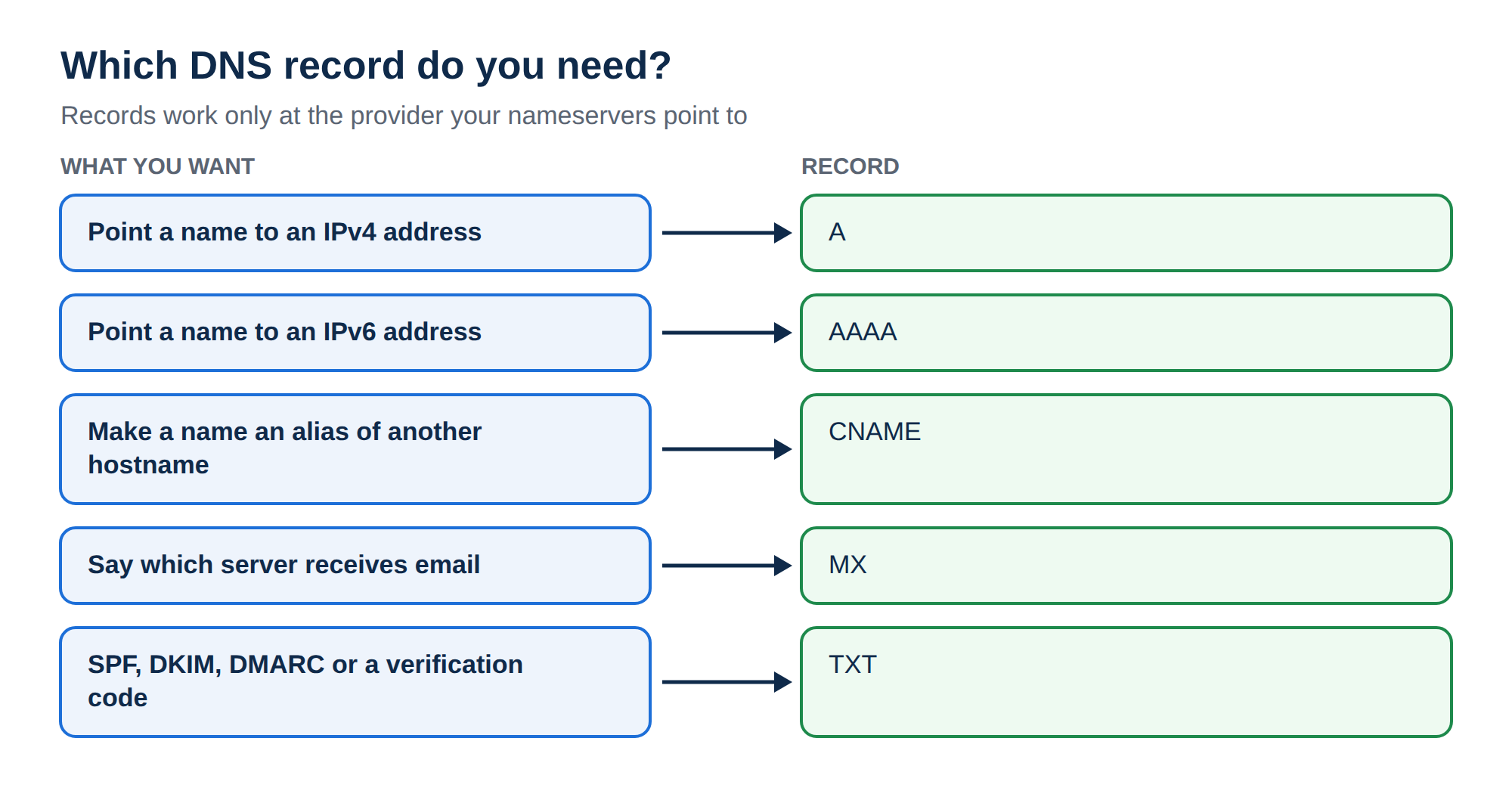
Most domains need only a handful of records: A (and sometimes AAAA) for the website, CNAME for www or a platform, MX for email, and TXT for SPF, DKIM, DMARC and verification codes. Records work only at the provider your nameservers point to, so check that first. For a domain on Domain India hosting nameservers, edit records in your control panel, such as the Zone Editor in cPanel.
This page explains what each record is. For how to add, edit and check records, read Managing DNS records (A, CNAME, MX, TXT). For the difference between nameservers and records, email setups and propagation, read How to change your domain DNS settings.
1. How DNS finds your records
When someone visits your site, their resolver asks the root servers, then the servers for your extension (such as .in or .com), and is told which nameservers answer for your domain. Those nameservers hold your records and return the answer. That is why a record only works when it is added at the provider your nameservers point to. For more background, read What is a nameserver and why do I need it.
Every record has the same parts:
- Name (host):
@for the domain itself, or a label such aswwwormail. - Type: A, MX, TXT and so on.
- Value: an address, a hostname or text, depending on the type.
- TTL: how many seconds other servers may cache the answer.
3600is one hour. - Priority: only for MX and SRV records; lower numbers are tried first.
2. The records most domains use
| Type | What it does | Example |
|---|---|---|
| A | Points a name to an IPv4 address | @ → 203.0.113.10 |
| AAAA | Points a name to an IPv6 address | @ → 2001:db8::10 |
| CNAME | Makes a name an alias of another hostname | www → yourbusiness.in |
| MX | Names the server that receives email, with a priority | @ → 10 mail.yourbusiness.in |
| TXT | Holds text other services read, such as SPF and verification codes | @ → v=spf1 a mx ~all |
The addresses above are documentation examples; always use the values your host or provider gives you.
3. Email authentication records
These are all TXT records (DKIM is sometimes a CNAME, when a provider hosts the key for you):
- SPF lists the servers allowed to send mail for your domain, for example
v=spf1 a mx include:_spf.example-provider.com ~all. A domain may have only one SPF record; merge several into one. - DKIM publishes a public key at
selector._domainkey.yourbusiness.in. Receiving servers use it to check the signature on your messages. Use a 2048-bit key where your provider supports it. - DMARC at
_dmarc.yourbusiness.intells receivers what to do when SPF and DKIM fail, and where to send reports. Start withv=DMARC1; p=none; rua=mailto:[email protected], read the reports, then move toquarantineorreject.
For the full explanation and setups for common providers, read Understanding SPF, DKIM and DMARC. If you use Domain India Business Email, see Business Email DNS records.
4. Records you rarely touch
| Type | What it does | Who manages it |
|---|---|---|
| NS | Names the nameservers for the domain, or delegates a subdomain | Set on the domain's Nameservers tab, not by adding records |
| SOA | Holds the zone's primary nameserver, contact and serial number | Created by your DNS provider automatically |
| SRV | Points a service such as SIP or chat to a host and port | Add only when a provider asks for it |
| CAA | Limits which certificate authorities may issue SSL for the domain | Optional; must list every authority your hosts use |
| PTR | Maps an IP address back to a hostname (reverse DNS) | Set by whoever owns the IP address, not in your domain's zone |
| DS | Links the domain to its DNSSEC signing keys | Added at the registrar when DNSSEC is used |
A few points worth knowing:
- CAA is optional. If you add one and leave out the authority your host uses, free SSL certificates fail to issue or renew. The client area's DNS tab doesn't offer CAA, so add it in your hosting control panel or at your DNS provider, or ask support.
- PTR matters mainly for mail servers. On shared hosting the IP belongs to the server, so you can't change its reverse DNS. For a Domain India VPS, the VPS page says custom PTR records can be set from the client area; if you can't find the option, ask support.
- Obsolete or specialist types such as HINFO, RP, LOC, NAPTR, DNAME, SSHFP and TLSA exist, but ordinary websites and email don't need them. HINFO and RP publish details you usually don't want public.
- HTTPS and SVCB are newer record types that some large providers publish to speed up connections. You don't need to add them yourself.
5. Rules that prevent most DNS problems
- Edit at the right provider. Run
dig NS yourbusiness.in +shortfirst. Records saved anywhere else are never read. - No CNAME on the root, and a name with a CNAME cannot hold any other record.
- MX values are hostnames, never IP addresses.
- One SPF record per domain.
The full list of mistakes, with fixes, is in Managing DNS records.
The client area's domain DNS tab may offer Activate Free DNS or Switch to Free DNS. It changes your nameservers and doesn't copy your records, so your site and email can stop working. Point the domain to your hosting nameservers or add A records at your current DNS provider, as described in How do I change my nameservers.
6. Checking records
Use a DNS lookup rather than a browser, which may show a cached page:
dig A yourbusiness.in +short
dig MX yourbusiness.in +short
dig TXT _dmarc.yourbusiness.in +short
dig -x 203.0.113.10 +short        # reverse DNS (PTR) for an IP
On Windows, use nslookup -type=mx yourbusiness.in and similar. Record changes usually show within minutes to a few hours, depending on the old record's TTL. If answers look wrong, read Debugging nameserver and DNS issues.
Which DNS records does a normal business website need?
Usually an A record for the domain and for www (or a CNAME for www), MX records for email, and TXT records for SPF, DKIM, DMARC and any verification codes. Other record types are needed only when a provider asks for them.
Where do I add DNS records for a domain registered with Domain India?
At the provider your nameservers point to. On Domain India hosting nameservers, use your control panel's DNS editor, such as the Zone Editor in cPanel. On Cloudflare or another provider, use that provider's dashboard.
What is the difference between an A record and a CNAME record?
An A record points a name directly to an IPv4 address. A CNAME makes a name an alias of another hostname, which then supplies the address. The root of a domain (@) cannot be a CNAME.
Can I have two SPF records?
No. A domain must have only one TXT record starting with v=spf1. If several services send mail for you, combine them into one record.
Do I need to add NS or SOA records myself?
No. Your DNS provider creates the SOA and root NS records. To change which nameservers serve your domain, use the Nameservers tab for the domain in the client area.
How long do DNS record changes take?
Usually minutes to a few hours. Other servers may keep the old answer until its TTL runs out, so a record with a four-hour TTL can take about four hours to update everywhere.
Ready to set up your records? Follow Managing DNS records, check your domain in My domains, or open a support ticket with your domain name and the records you want to set.
Send us your domain name and the records you want to add, and we will tell you where to add them.
Ask our support team