WordPress, WooCommerce and most PHP applications keep their content in a MySQL database. On Webuzo hosting you create the database and a database user in the Webuzo panel, link them, and then use those details in your application. This guide covers that, plus export, import and routine care in phpMyAdmin.
In Webuzo, open Database › Manage Databases, create a database, create a database user with a strong password, then add the user to the database with all privileges. Copy the full names Webuzo shows, because they may carry your username as a prefix. Your application connects to host localhost. Use phpMyAdmin to export and import .sql files, and export a copy before you change or delete anything.
1. Databases, users and privileges
Three separate things have to exist before a website can use a database:
| Item | What it is | Example |
|---|---|---|
| Database | Where the tables and data live | youruser_shop |
| Database user | The login your website uses, with its own password | youruser_shopuser |
| Privileges | What that user may do in that database | All privileges |
Creating a database and a user does not link them. Forgetting to add the user to the database is the most common reason an installer fails with "Access denied". Give each website its own user, so a problem on one site can't touch another's data.
2. Create a database and user in Webuzo
- Open Webuzo.Go to
https://yourdomain.com:2003(if the Webuzo button in your hosting list doesn't open the panel, use this address) and sign in with your Webuzo username and password. Your username is on the service's Access tab; for a forgotten Webuzo password, ask support. - Open Database › Manage Databases.It has tabs for Database(s), Create Database, Database User(s) and Add User To Database. If you can't see it, use the panel's search box or menu.
- Create the database.Type a short name, such as
shop, and create it. - Create the user.Type a user name and a long, random password. Store the password in a password manager.
- Add the user to the database.Choose the user and the database and grant all privileges for a normal website.
- Copy the details.Note the full database name and user name exactly as Webuzo lists them, and the password.
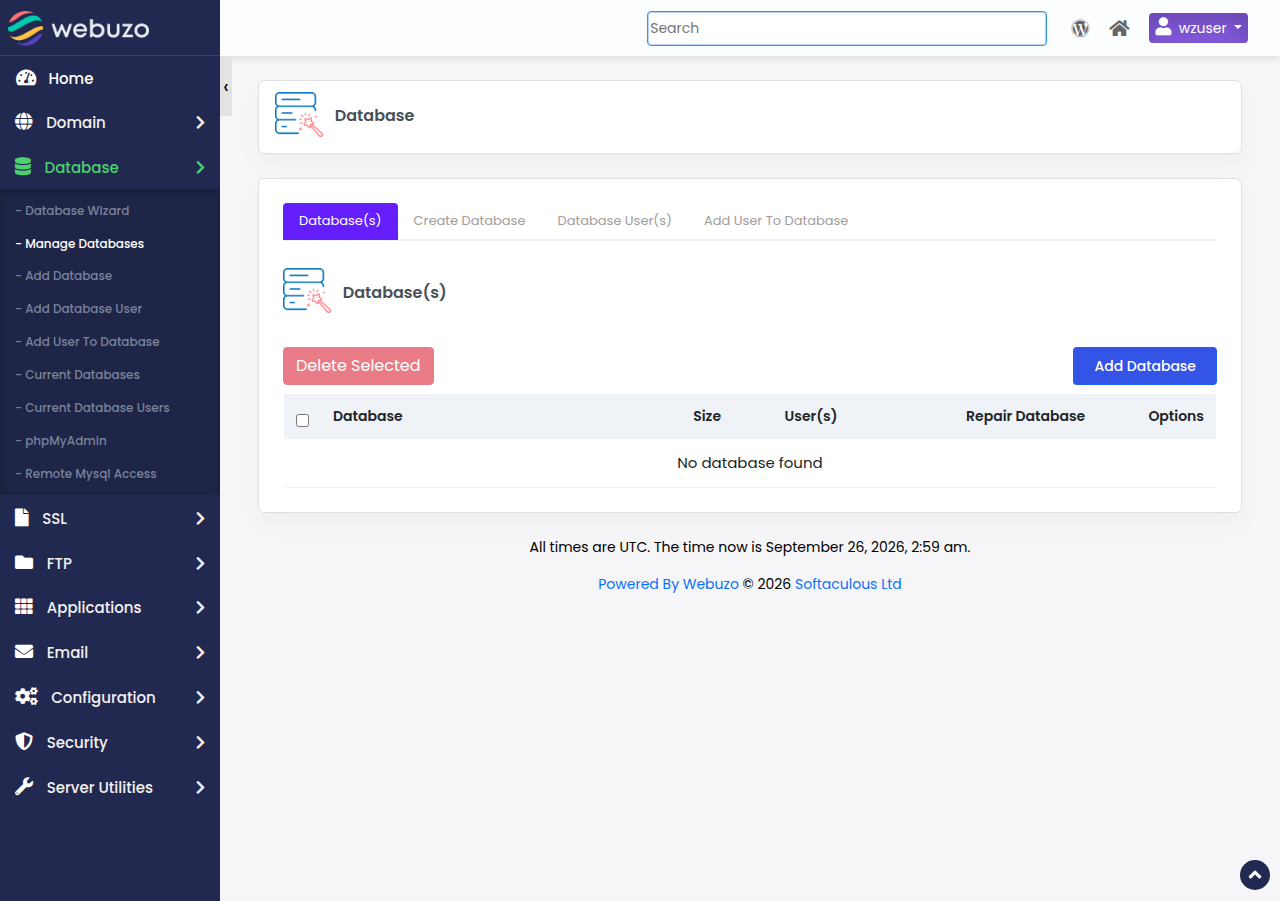
If you are installing WordPress or another app with Softaculous, skip all of this: Softaculous creates the database, the user and the configuration file for you. See installing WordPress on Webuzo.
3. Connect your application
Use these values in your application's configuration:
| Setting | Value |
|---|---|
| Host | localhost |
| Database name | The full name Webuzo shows |
| User name | The full user name Webuzo shows |
| Password | The database user's password, not your Webuzo or client-area password |
For WordPress, the values go in wp-config.php:
define( 'DB_NAME', 'youruser_shop' );
define( 'DB_USER', 'youruser_shopuser' );
define( 'DB_PASSWORD', 'the-database-user-password' );
define( 'DB_HOST', 'localhost' );
For PHP code with PDO or mysqli, see how to connect to the MySQL database.
MySQL port 3306 is closed to outside connections on our shared servers, so desktop tools such as MySQL Workbench or DBeaver can't connect directly. Jailed SSH access is available on every shared hosting plan (cPanel, DirectAdmin, Webuzo); it is off by default, so ask support to enable it, then use an SSH tunnel with an SSH key. See securing MySQL access with SSH tunnels.
4. Export and import with phpMyAdmin
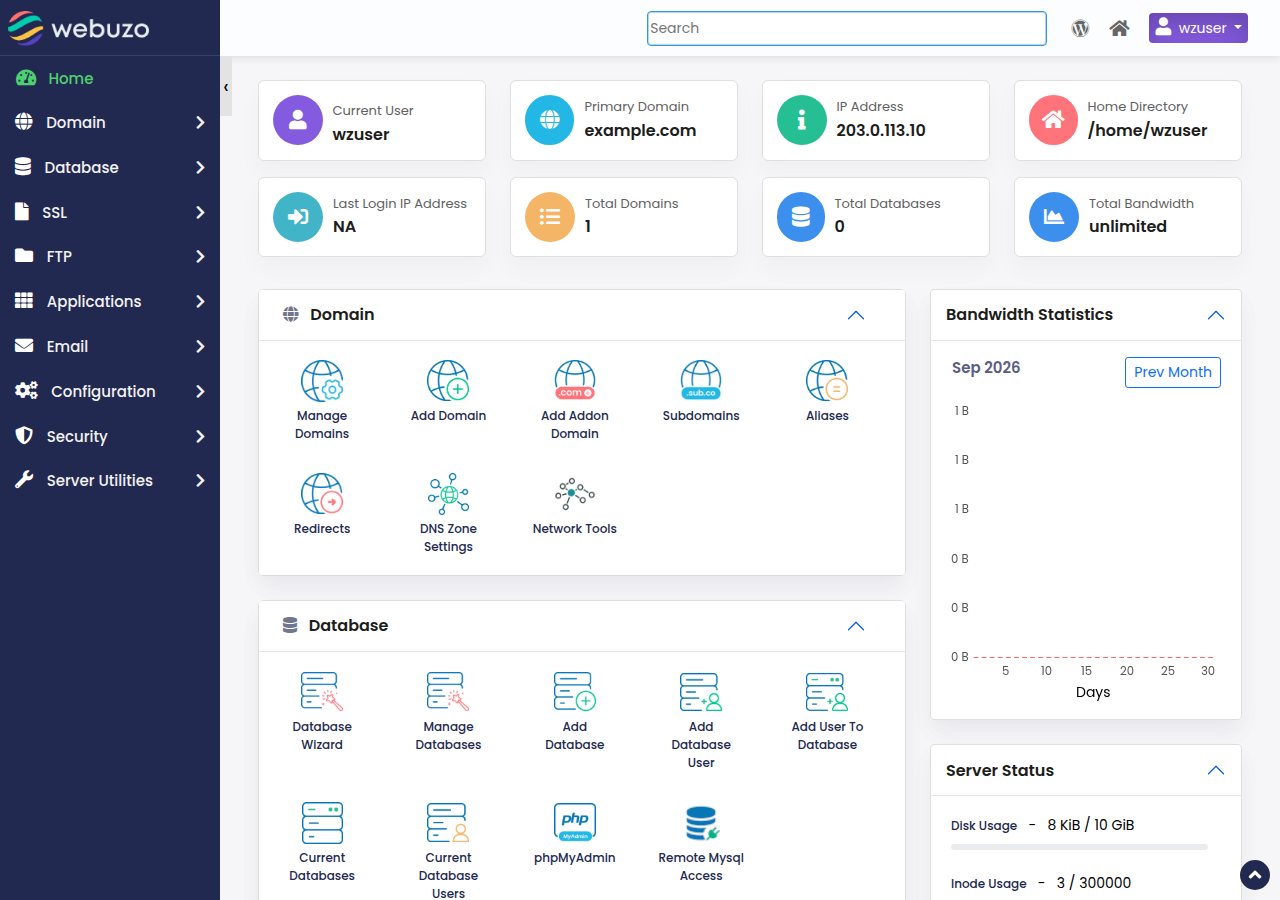
Open Database › phpMyAdmin in the Webuzo panel. If it asks you to sign in, use a database user and its password. The full walkthrough is in phpMyAdmin access in Webuzo.
- Export (back up): select the database, open Export, keep the Quick method and SQL format, and click Go. Save the
.sqlfile on your computer. - Import (restore): select the target database, open Import, choose your
.sqlor.sql.gzfile and click Go. The maximum file size is printed on the Import page. Compress a large dump to.sql.gzto fit more; if it is still too big, ask support.
When you create tables yourself, use the utf8mb4 character set with the utf8mb4_unicode_ci collation, so emoji and every language store correctly.
5. Check, repair and optimise tables
In phpMyAdmin, tick the tables in the database's table list and choose from the With selected menu:
- Check table reports problems without changing anything.
- Repair table fixes a table that "is marked as crashed".
- Optimize table reclaims space after you delete a lot of data. You don't need to run it on a schedule.
Export the database before a repair. If a repair fails, stop and open a ticket rather than retrying. For error messages, see database troubleshooting.
Deleting InnoDB data files such as ibdata1 or the log files never fixes a database problem; it destroys data. Work through phpMyAdmin and support instead.
6. Change a password or delete a database
- Change a user's password under Database › Manage Databases in Webuzo, then update your application's configuration straight away. Until you do, the site shows a database connection error.
- Delete a database only after exporting it and checking which site uses it (look at the name in
wp-config.phpor your app's config). Deletion is immediate and can't be undone from the panel. Delete the user separately if nothing else uses it.
Domain India backs up your databases every night as part of your account backup; to restore one, open a support ticket with the database name and the date. Your own recent exports, kept off the server, are good practice too.
7. Webuzo database limits at Domain India
The number of databases depends on your plan. In the Domain India catalogue on 19 September 2026, Webuzo Starter includes 5 MySQL databases, Webuzo Developer 10 and Webuzo Agency 50. Webuzo hosting starts at ₹100 a month, excluding 18% GST. Compare plans on the Webuzo hosting page. If you need self-service backup restores, cPanel hosting includes weekly JetBackup backups you can restore from the panel.
- 10 GB NVMe SSD Storage
- 50 GB Monthly Bandwidth
- 1 Website
- 5 Email Accounts
Prices on the cards exclude 18% GST.
Frequently asked questions
How do I create a MySQL database in Webuzo?
Sign in to Webuzo, open Database › Manage Databases, create the database, create a database user with a strong password, then add the user to the database with all privileges. Use the full names Webuzo shows in your application.
What database host should I use on Webuzo hosting?
Use localhost. Your application runs on the same server as the database.
Why does my installer say access denied?
Usually the user was never added to the database, or the name or password is wrong. Add the user to the database with all privileges and copy the full names exactly as Webuzo shows them.
Can I connect to my Webuzo database from my own computer?
Not directly, because port 3306 is closed to outside connections. Ask support to enable jailed SSH on your account, then use an SSH tunnel with an SSH key.
How do I back up a database on Webuzo?
Export it in phpMyAdmin: select the database, click Export, keep Quick and SQL, and click Go. Keep the file off the server. Domain India also backs up your databases every night, and support restores them on request.
How many databases can I create on Webuzo hosting?
In the Domain India catalogue on 19 September 2026, Webuzo Starter includes 5, Developer 10 and Agency 50 MySQL databases.
Ready to set up your database? Open your hosting list to reach Webuzo, read database troubleshooting if something fails, or open a ticket and tell us your domain and the error.
Tell us your domain, the database name and the exact error, and we will help you get connected.
Contact support