phpMyAdmin is built into the Webuzo control panel on Domain India's Webuzo hosting, so you can browse, edit, export and import your MySQL databases from the browser. You open it from the panel's database section; if it asks you to sign in, use a database user and its password, not your Webuzo login.
This page covers the Webuzo-specific parts. For everyday phpMyAdmin tasks in detail (browsing, safe SQL, export and import, repairing tables), see How to access and manage your MySQL database with phpMyAdmin.
Log in to Webuzo at https://yourdomain.com:2003, then open phpMyAdmin from the panel's database section. Create databases and database users in Webuzo's database pages, not in phpMyAdmin. Export a copy before you change or delete anything. If you can't find phpMyAdmin, can't sign in or hit an import limit, ask support.
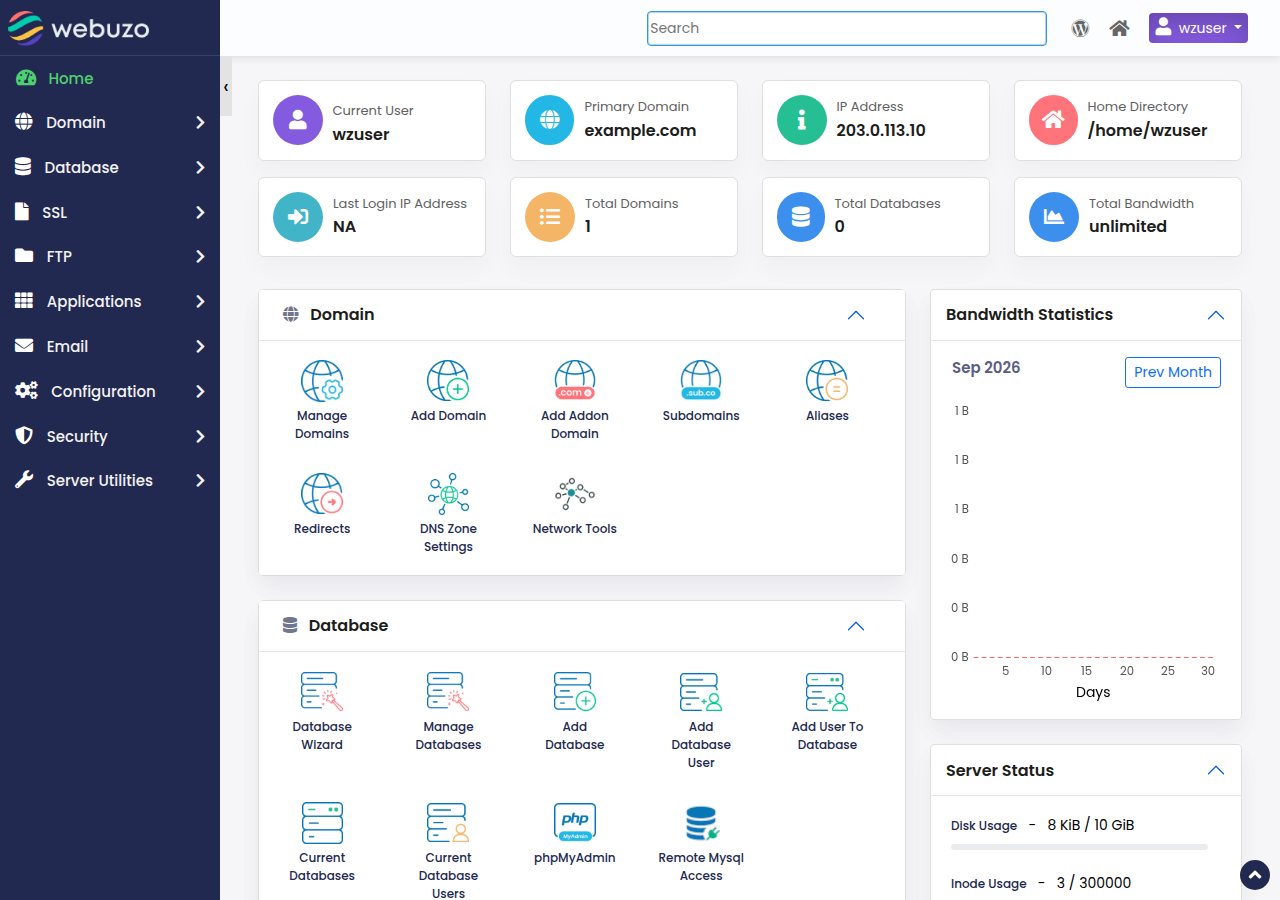
1. Open phpMyAdmin in Webuzo
- Sign in to Webuzo.Go to
https://yourdomain.com:2003; your username is on the service's Manage › Access tab. If the Webuzo button in your hosting doesn't open the panel, use this address. - Find the database sectionof the panel. Menu names change between Webuzo versions, so use the panel's search box and type "phpMyAdmin" if you don't see it.
- Click phpMyAdmin.It opens in a new tab. If it asks for a login, enter a database user and its password.
The client area's Reset password button does not work for Webuzo accounts yet. Contact support by live chat or a ticket and we will reset it for you. Never send a password in a ticket.
Don't bookmark an address with the server IP and a port number from an old guide. Bookmark https://yourdomain.com:2003 instead.
2. Create databases in Webuzo, work on them in phpMyAdmin
| Job | Where to do it |
|---|---|
| Create a database or a database user | Webuzo's database pages |
| Change a database user's password | Webuzo's database pages |
| Browse, search and edit rows | phpMyAdmin |
| Run an SQL query | phpMyAdmin, SQL tab |
| Export or import a database | phpMyAdmin, Export and Import tabs |
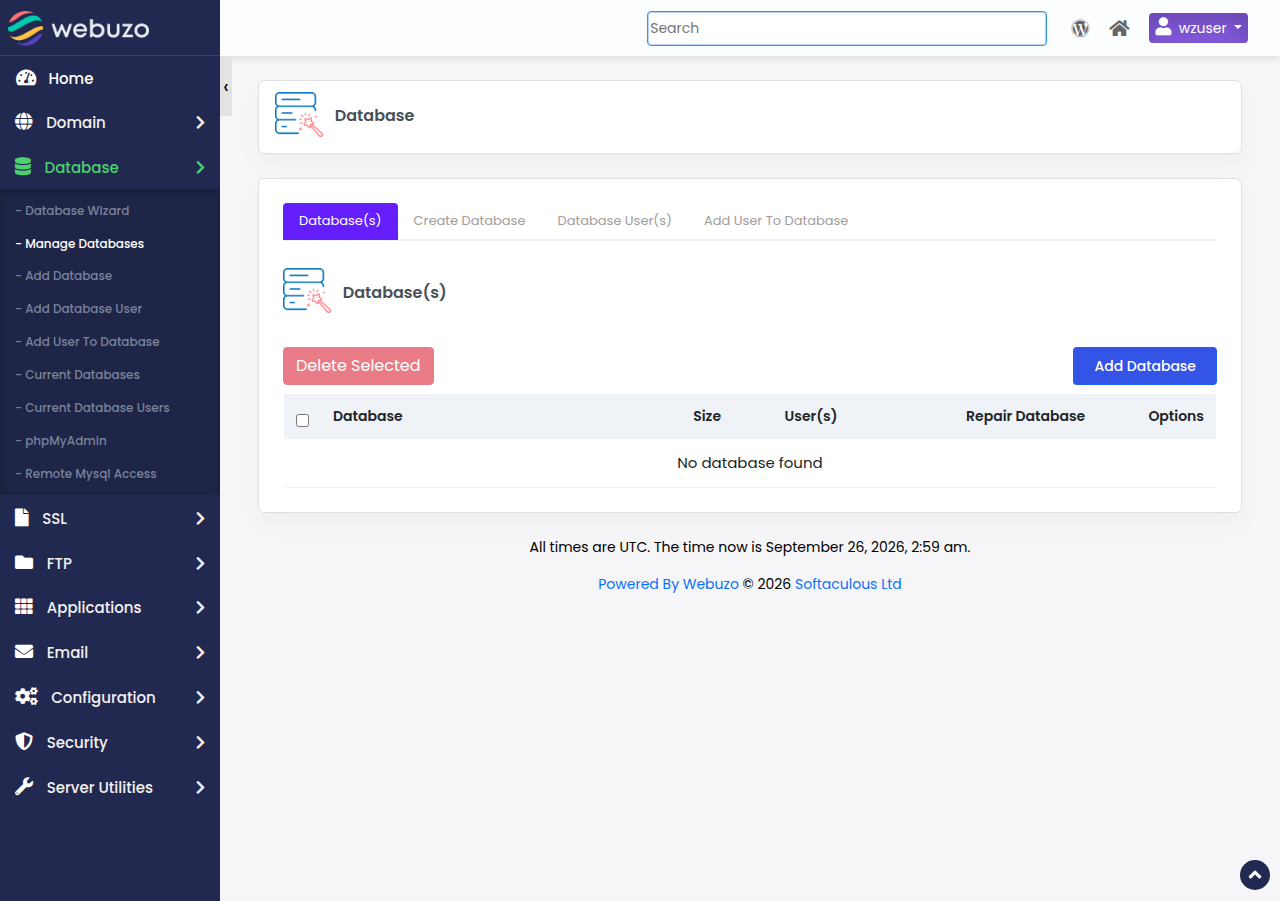
On shared hosting your database user can manage only your own databases, so phpMyAdmin has no create-database option. See creating and managing MySQL databases in Webuzo.
3. Export before you change anything
Select the database on the left, open Export, keep Quick and SQL, and click Export. Keep the file on your own computer.
Domain India backs up your databases every night as part of your account backup, and support restores them on request. It is still good practice to export your databases and download your files before every major change.
To import, select an empty database, open Import, choose your .sql or .sql.gz file and click Import. The size limit is printed next to the file chooser; compress a large dump, and ask support if it still doesn't fit.
4. A safer way to reset a WordPress password
Old guides suggest setting a WordPress password with an SQL MD5() update. Use Lost your password? on the WordPress login page first. Only if you can't reach the admin email, export the database, then in phpMyAdmin edit the user's row in the users table and set user_pass with the MD5 function. WordPress accepts it once and stores a stronger hash when you next log in; change the password from the dashboard straight away.
Frequently asked questions
How do I open phpMyAdmin on Domain India Webuzo hosting?
Log in to Webuzo at https://yourdomain.com:2003, then open phpMyAdmin from the panel's database section. If phpMyAdmin asks you to sign in, use a database user and its password.
Which username and password does phpMyAdmin want in Webuzo?
A database user and that user's password, as created in Webuzo's database pages. Your Webuzo panel password and your client-area password will not work there.
Why can't I create a database inside phpMyAdmin?
On shared hosting, databases and database users are created in the control panel. In Webuzo, use its database pages; phpMyAdmin then shows the new database.
How do I back up a database on Webuzo hosting?
Open phpMyAdmin, select the database, open Export and click Export with the Quick and SQL options. Keep the file on your own computer. Domain India also backs up your databases every night, and support restores them on request.
I forgot my Webuzo password. What do I do?
The client area's Reset password button does not work for Webuzo accounts yet. Contact Domain India support by live chat or a ticket and we will reset it.
Ready to work on your database? Open your hosting to reach Webuzo, or read database troubleshooting if an import fails.
Tell us the domain, the database name and the exact error. Never include your database password.
Open a support ticket