BIMI (Brand Indicators for Message Identification) lets your logo appear next to your emails in supporting inboxes. It works only on top of strong email authentication, and for Gmail and Apple Mail it also needs a paid mark certificate. This guide explains what BIMI and VMC are, what they really cost, whether your business needs them, and how to set BIMI up on cPanel hosting step by step.
BIMI is a DNS TXT record at default._bimi.yourdomain.com that points to your logo in SVG Tiny PS format. It only works when SPF and DKIM pass and your DMARC policy is quarantine or reject. Yahoo Mail can show the logo without a certificate; Gmail needs a Verified Mark Certificate (VMC) or a Common Mark Certificate (CMC), and Apple Mail needs a VMC. Most small businesses should get DMARC to enforcement first; buying a certificate is worth it only when inbox branding at Gmail scale matters to you.
1. What BIMI and mark certificates are
BIMI is an email standard. You publish a DNS record that says "this is our logo". When a message from your domain passes DMARC, a mailbox provider that supports BIMI can show that logo as the sender's avatar.
A mark certificate proves that the logo belongs to you. A certificate authority checks your organisation and your right to the logo, then issues a certificate you publish next to the logo. There are two kinds:
| Certificate | What it proves | Needs a registered trademark? |
|---|---|---|
| Verified Mark Certificate (VMC) | You own a registered trademark for this logo | Yes |
| Common Mark Certificate (CMC) | You have used this logo publicly for a period of time | No |
Which certificate each provider accepts changes over time, so check its current help pages before you buy.
2. Where your logo can appear
| Mailbox provider | BIMI without a certificate | With a mark certificate |
|---|---|---|
| Yahoo Mail and AOL | Possible, for senders with enough volume and a good reputation | Yes |
| Gmail | No | Yes, with a VMC or CMC |
| Apple Mail | No | Yes, with a VMC |
| Outlook and Microsoft 365 | No BIMI support | No BIMI support |
BIMI is not a deliverability switch. It doesn't move mail from spam to the inbox. The work that earns inbox placement, SPF, DKIM and an enforced DMARC policy, is the same work BIMI requires, and that is where most of the value lies.
3. The requirements
- SPF passesfor the servers that send your mail.
- DKIM signsevery message from your domain.
- DMARC is at enforcement:
p=quarantineorp=reject, applied to all mail (nopctbelow 100), and not weakened for subdomains withsp=none. - A logo in SVG Tiny PS format, square, with a title element and nothing external in it.
- The logo on an HTTPS URLthat anyone can fetch.
- A BIMI TXT recordat
default._bimi.yourdomain.com. - For Gmail and Apple Mail:a VMC or CMC, published as a PEM file on an HTTPS URL.
SPF, DKIM and DMARC first
On our cPanel hosting, open Email › Email Deliverability. It checks SPF and DKIM for each domain and offers to repair them when your DNS is on our servers. Most domains on our cPanel servers already have a DMARC record with p=none: edit that one, because a domain may have only one DMARC record.
Move DMARC to enforcement in stages, reading the reports as you go, as described in Setting up DMARC. Only when every genuine sender passes (your website, your mailboxes and any marketing or billing service) should you publish, for example:
_dmarc.yourdomain.com TXT "v=DMARC1; p=quarantine; rua=mailto:[email protected]"If a service that sends mail for you isn't covered by SPF or DKIM, an enforced DMARC policy sends its mail to spam or rejects it. Invoices and password resets can vanish. Read the DMARC reports for a few weeks before you tighten the policy.
4. Prepare a BIMI-compliant logo
BIMI needs the SVG Tiny Portable/Secure (SVG Tiny PS) profile, a restricted form of SVG:
- a square image, centred, with a solid background colour (it is shown in a circle or rounded square);
baseProfile="tiny-ps"and a title element containing your brand name;- no scripts, animation, external links, embedded raster images or fonts: convert text to paths;
- small, ideally under 32 KB.
- Start from a vector logo(SVG, AI or EPS) from your designer. Tracing a PNG gives poor results.
- Clean it in a vector editorsuch as Inkscape: make the canvas square, convert text to paths, remove hidden layers and effects, and save as plain SVG.
- Convert it to SVG Tiny PS.The BIMI Group's website offers a converter and a validator, and several free open-source converters exist.
- Validate itwith the BIMI Group's inspector or a similar checker until it reports no errors.
5. Publish the logo and the BIMI record in cPanel
Upload the logo with File Manager or FTP, for example to public_html/bimi/logo.svg, so it is served at https://yourdomain.com/bimi/logo.svg. Check that it loads over HTTPS with the right content type:
curl -sI https://yourdomain.com/bimi/logo.svg | grep -iE '^(HTTP|content-type)'You want 200 and image/svg+xml. If you have a certificate, upload its PEM file the same way, for example to https://yourdomain.com/bimi/vmc.pem.
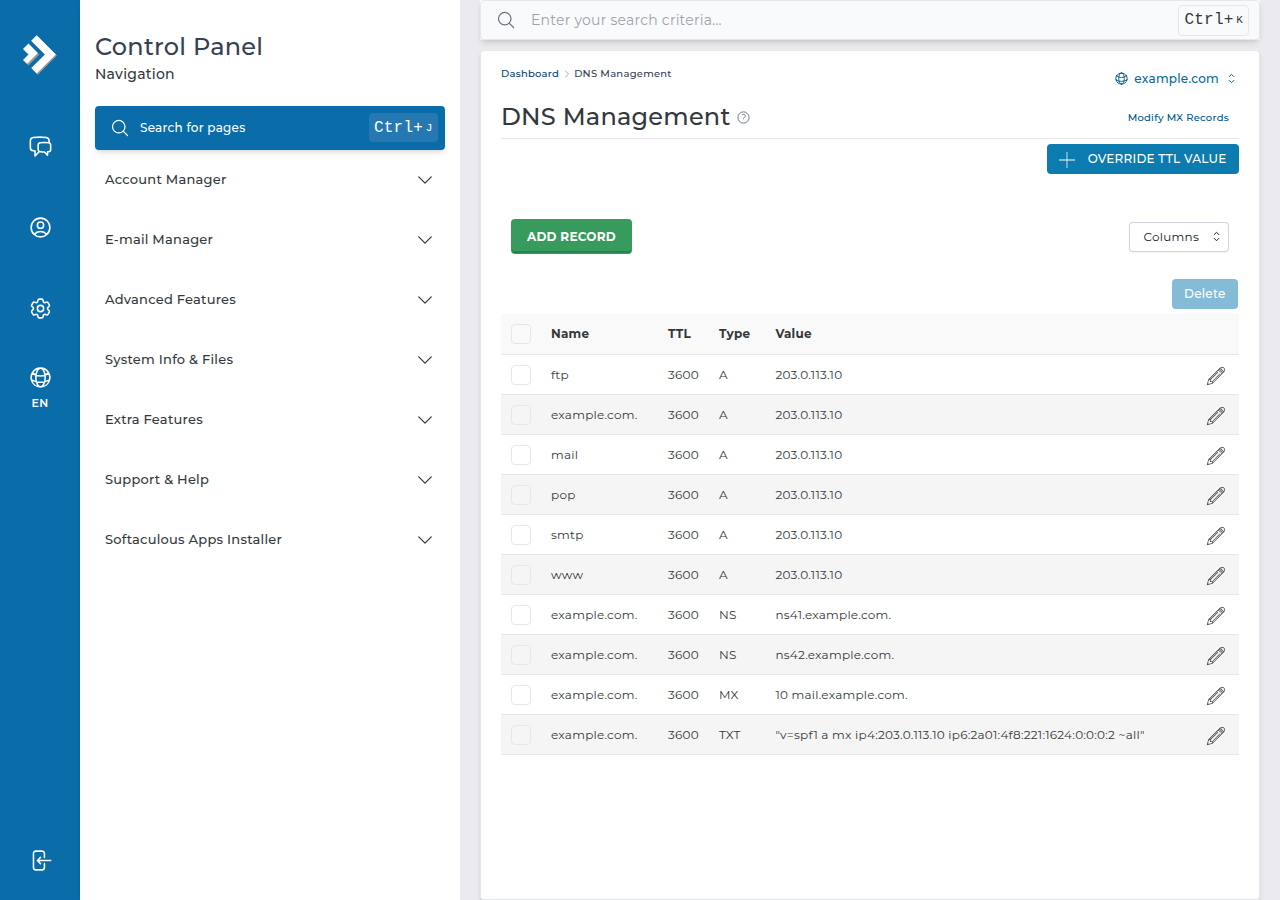
Add the BIMI record wherever your domain's DNS is managed. If the domain uses your hosting nameservers, use cPanel's Domains › Zone Editor; see how to make DNS changes in cPanel. If your DNS is at Cloudflare or another provider, add it there instead.
| Field | Without a certificate | With a VMC or CMC |
|---|---|---|
| Name | default._bimi | default._bimi |
| Type | TXT | TXT |
| Value | v=BIMI1; l=https://yourdomain.com/bimi/logo.svg; a=; | v=BIMI1; l=https://yourdomain.com/bimi/logo.svg; a=https://yourdomain.com/bimi/vmc.pem |
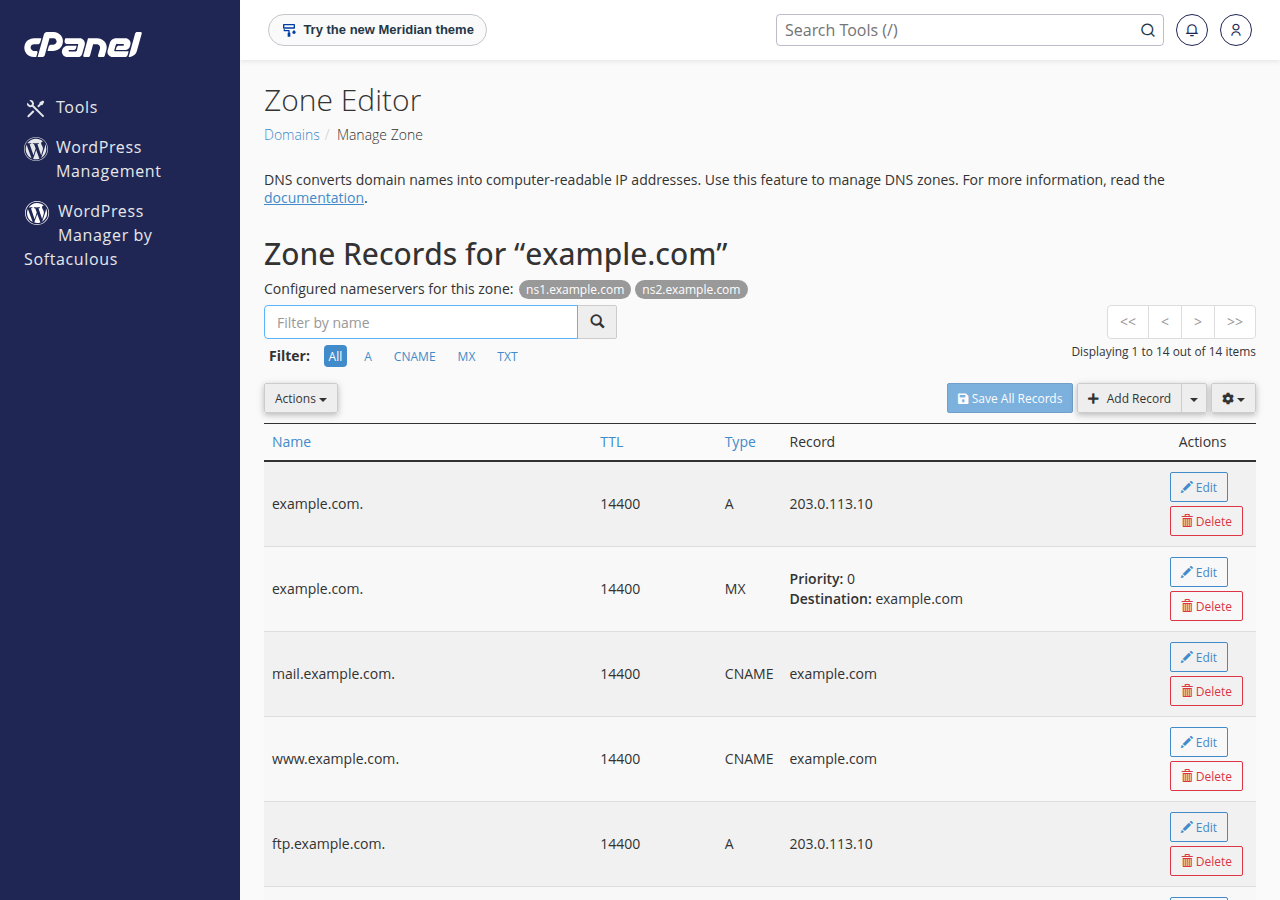
Check the published record:
dig +short TXT default._bimi.yourdomain.com
dig +short TXT _dmarc.yourdomain.com
Then run your domain through a BIMI checker and send a test message to a Yahoo or Gmail address. Providers cache BIMI data, so the logo can take a while to appear, and some show it only after your domain has built up sending history.
On DirectAdmin and Business Email
The same records work on any DNS host. On our DirectAdmin hosting, DKIM uses the selector x and most domains already have a key; see checking and managing DKIM in DirectAdmin. Domain India Business Email signs every message with DKIM and provides SPF and DMARC records for your domain; you still set the DMARC policy to enforcement yourself before adding BIMI.
- Priced per mailbox - start with one
- Email at your own domain ([email protected])
- Add and remove mailboxes yourself
- Webmail with calendar, contacts and tasks
The card price is a Domain India list price on 19 September 2026, excluding 18% GST.
6. Getting a VMC or CMC, and what it costs
- Check your logo's status.For a VMC, the logo must be a registered trademark with an office the certificate authority accepts; ask the issuer whether your trademark office is on its list. For a CMC, you show that the logo has been in public use on your website for the required period.
- Choose an issuer.Mark certificates come from a small number of certificate authorities, such as DigiCert, Sectigo and GlobalSign. The BIMI Group website lists current issuers.
- Pass validation.Expect organisation checks similar to an EV certificate, including business documents and a verification call.
- Publish the PEM fileand add its URL to the
a=tag of your BIMI record.
Mark certificates are sold per year and cost far more than website SSL: at list prices they commonly run to well over ₹1 lakh a year. Get current quotes from issuers before you plan the budget. Domain India doesn't sell VMC or CMC certificates; you buy them directly from a certificate authority.
In India, trademarks are filed with the Office of the Controller General of Patents, Designs and Trade Marks at ipindia.gov.in. Registration takes time, which is one reason the CMC exists.
7. Is BIMI worth it for your business?
- You send large volumes of customer email, such as a bank, e-commerce store or SaaS product
- Phishing that imitates your brand is a real risk to your customers
- DMARC is already at enforcement and every sender passes
- DMARC is still at p=none or reports show failures
- Most of your customers read mail in Outlook, which doesn't show BIMI logos
- The certificate cost is large compared with your email marketing budget
For most small businesses the right order is: fix SPF and DKIM, take DMARC to enforcement, add the BIMI record without a certificate, and decide about a VMC or CMC later.
8. Troubleshooting
| Problem | Likely cause | Fix |
|---|---|---|
| No logo anywhere | DMARC at p=none, or a pct below 100 | Move DMARC to quarantine or reject for all mail |
| Checker says the SVG is invalid | Not the Tiny PS profile, or it has text, scripts or images | Convert and validate again |
| Logo shows in Yahoo, not Gmail | No VMC or CMC | Expected: Gmail needs a mark certificate |
| Record not found | Wrong name, or added at the wrong DNS host | Name it default._bimi at the DNS host your nameservers point to |
| Logo URL fails | HTTP instead of HTTPS, a redirect or the wrong content type | Serve the file directly over HTTPS as image/svg+xml |
Frequently asked questions
What is BIMI in email?
BIMI, Brand Indicators for Message Identification, is a standard that lets supporting mailbox providers show your brand logo next to messages from your domain. It works only when your mail passes DMARC with a policy of quarantine or reject.
Do I need a VMC for BIMI?
Not for every provider. Yahoo Mail can show a BIMI logo without a certificate. Gmail requires a Verified Mark Certificate or a Common Mark Certificate, and Apple Mail requires a Verified Mark Certificate.
Does BIMI improve email deliverability?
Not directly. The logo doesn't move mail from spam to the inbox. The SPF, DKIM and enforced DMARC that BIMI requires are what improve deliverability.
What DMARC policy does BIMI need?
p=quarantine or p=reject, applied to all of your mail. A policy of p=none, or a pct value below 100, stops the logo from showing.
Where do I add the BIMI record on Domain India hosting?
Wherever your domain's DNS is managed. If the domain uses your hosting nameservers, add a TXT record named default._bimi in cPanel's Zone Editor. If your DNS is at Cloudflare or another provider, add it there.
Does Domain India sell VMC certificates?
No. Buy a VMC or CMC directly from a certificate authority that issues mark certificates, then publish its PEM file and reference it in your BIMI record.
Ready to start? Take your DMARC policy to enforcement with Setting up DMARC, check your mail with how to test email deliverability, or open a support ticket if Email Deliverability reports a problem you can't repair.
Domain India Business Email signs every message with DKIM and provides SPF and DMARC records for your domain.
See Business Email