Yes, you can run a Node.js application on Domain India shared hosting, as long as your account is on one of our cPanel or DirectAdmin servers. Both have a Node.js application tool in the control panel that starts your app with Phusion Passenger and connects it to your domain, so you don't need a VPS for a small app or API.
This page is the short answer. The complete walkthrough, with every field, troubleshooting and the SSH route, is in How to deploy a Node.js app on shared hosting.
On cPanel, open Setup Node.js App, create the app, upload your code, click Run NPM Install and start it. DirectAdmin has the same CloudLinux Node.js selector. We couldn't confirm a Node.js tool on Webuzo, so ask support. Your app must listen on process.env.PORT, never a fixed port.
1. Where Node.js runs, and which versions
We checked our shared servers on 23 September 2026:
| Server | Node.js app tool | Node.js versions offered |
|---|---|---|
| cPanel | Setup Node.js App | 20, 22 and 24 |
| DirectAdmin | CloudLinux Node.js selector | 14, 16, 18, 19, 20, 22 and 24 |
| Webuzo | Not found | Ask support |
| Windows (Plesk) | Not covered | Ask support |
Node.js 20 and older have reached end of life, so choose 22 or 24 if your app supports them. The panel always shows the current list when you create an app.
2. The short version of the setup
- Open the tool.In cPanel, open Setup Node.js App in the Software section and click Create Application.
- Fill in the form.Choose the Node.js version, set the mode to Production, set the Application root to a folder outside
public_html(for examplemyapp), pick the Application URL and enter your startup file, such asapp.js. - Upload your codeinto the application root with File Manager or FTP, including
package.jsonbut notnode_modules. - Install and start.Click Run NPM Install, then Start App. Restart the app after every code change.
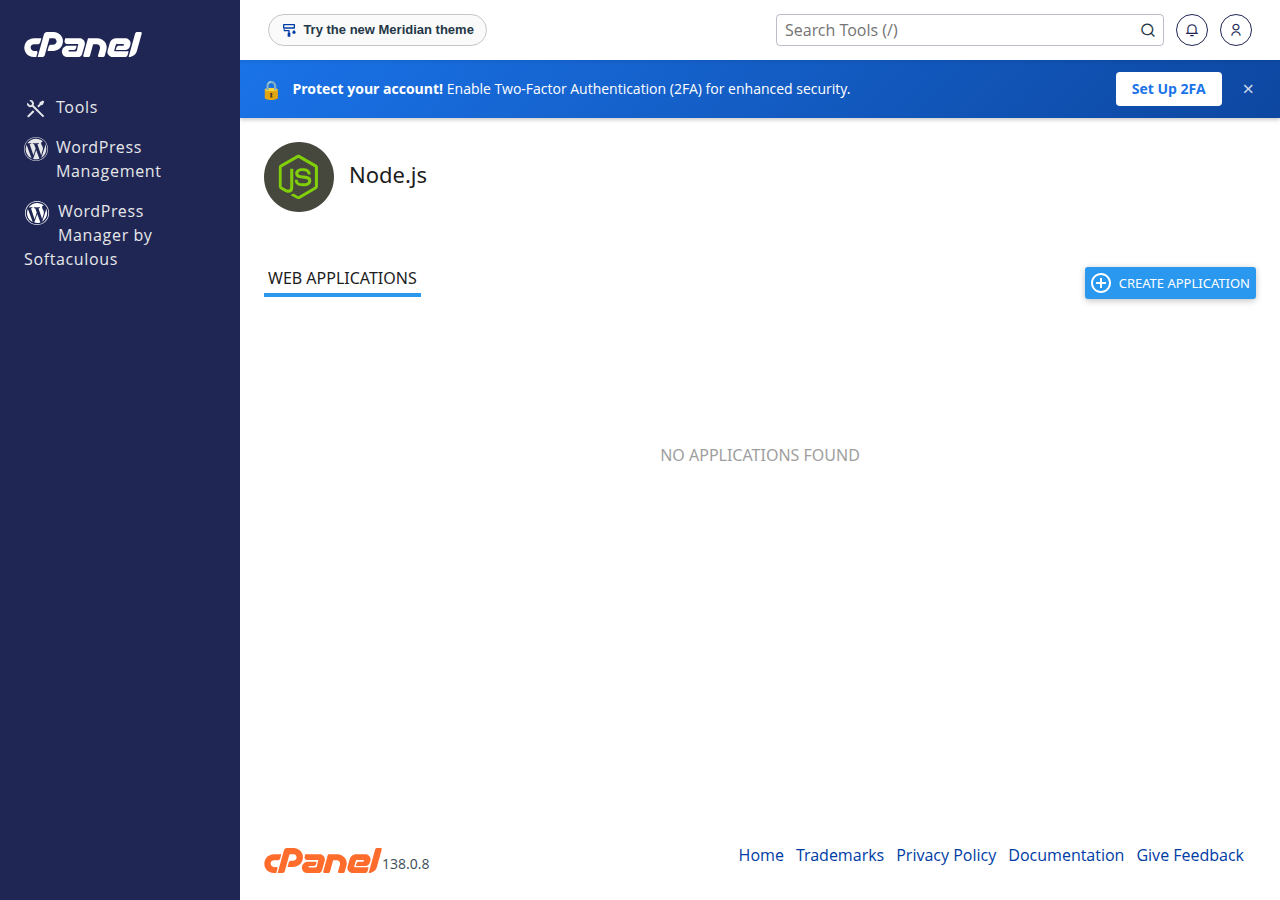
On DirectAdmin the fields are the same, on the Setup Node.js App page: type it in the Search for pages box at the top of the DirectAdmin menu, or press Ctrl+J.
3. Listen on the port you are given
Passenger routes traffic to your app, so your app must read its port from the environment:
const express = require('express');
const app = express();

app.get('/', (req, res) => res.send('Hello from Domain India'));

const port = process.env.PORT || 3000;
app.listen(port);
The 3000 is only a fallback for your own computer. Don't set PORT yourself in the app's environment variables. Put other settings, such as NODE_ENV=production or an API key, in the Environment variables section of the app's form, then restart.
4. What shared hosting can't do
- Resource limits apply. Your app shares your account's CPU and memory; hitting them shows errors such as 503 or 508. See Understanding hosting resource limits.
- No long-running workers. The app runs to answer web requests, not as a background service or queue worker.
- Heavy builds can fail. Build TypeScript or front-end bundles on your own computer and upload the output.
- SSH is optional and off by default. Jailed SSH access is available on every shared hosting plan (cPanel, DirectAdmin, Webuzo). It is off by default; ask support to enable it for your account. Login is by SSH key. See Enabling and accessing jailed SSH.
5. When to use the App Platform or a VPS
For a production Node.js app, the App Platform is the better home: it detects and builds Node.js apps automatically, deploys from GitHub or with a deploy token, and includes PostgreSQL and SSL. It has no SSH. See Getting started with the App Platform.
- 512 MB RAM per app
- 1 vCPU
- 5 GB NVMe SSD
- PostgreSQL Database
If you need root access, Docker, your own process manager or background workers, choose a VPS.
Does Domain India shared hosting support Node.js?
Yes, on our cPanel and DirectAdmin servers, which both have a Node.js application tool in the control panel. We could not confirm one on Webuzo, so ask support if your account is on Webuzo.
Which Node.js versions can I use?
When we checked on 23 September 2026, cPanel offered Node.js 20, 22 and 24, and DirectAdmin offered 14, 16, 18, 19, 20, 22 and 24. The control panel shows the current list when you create an app.
Which port should my Node.js app listen on?
Use process.env.PORT. Passenger assigns the port and routes traffic to your app, so a hard-coded port will not work.
Do I need SSH to run a Node.js app?
No. You can create the app, upload files, run npm install and restart from the control panel. Jailed SSH is available on request if you want a command line; it is off by default and uses key login.
Can I run a background worker or a queue on shared hosting?
No. Shared hosting runs your app to answer web requests within your account's limits. For long-running workers, use a VPS.
Ready to deploy? Follow the full Node.js guide, compare App Platform plans, or ask us in a support ticket which option fits your app.
Deploy from GitHub or with a deploy token. We build and run your app, with PostgreSQL and a free SSL certificate included.
See App Platform plans