When a website shows an error instead of a page, the number tells you where to look: a 4xx code means the request failed (a missing page, a permission problem), and a 5xx code means the server or your code could not finish it. This page explains the common errors and links each one to its full guide.
403 is a permission or missing-index problem, 404 means the file or rewrite rule is missing, 500 is a code or .htaccess error, 502 and 504 mean PHP stopped or took too long (about 60 seconds on most sites on our cPanel servers, 90 seconds at the most), 503 and 508 mean a resource limit or maintenance mode, and "Error establishing a database connection" means the database details are wrong. Read the error log first, and on cPanel test with ?t=123 added to the URL, because a cached copy can hide a fix for up to two hours.
1. The errors at a glance
| Error | What it usually means | First check | Full guide |
|---|---|---|---|
| 403 Forbidden | The server refuses the file or folder | Permissions (644 files, 755 folders) and an index file | 403 Forbidden |
| 404 Not Found | The address points at nothing | The exact URL, the folder, and WordPress permalinks | 404 errors |
| 500 Internal Server Error | Your code or .htaccess failed | The error log, then rename .htaccess to test | 500 errors |
| 502 Bad Gateway | PHP stopped part-way through a request | The error log and resource usage | Gateway errors |
| 503 Service Unavailable | Maintenance mode, or a memory or process limit | A stuck maintenance file, then resource usage | Gateway errors |
| 504 Gateway Timeout | A request ran too long | Slow scripts, imports or plugin jobs | Gateway errors |
| 508 Resource Limit Is Reached | Too many requests running at once | Bots, traffic spikes, slow pages | Resource limit reached |
| Error establishing a database connection | Wrong database name, user, password or host | The four values in your config file | Database connection error |
2. Start with the error log
Guessing wastes time; the log usually names the exact file and line.
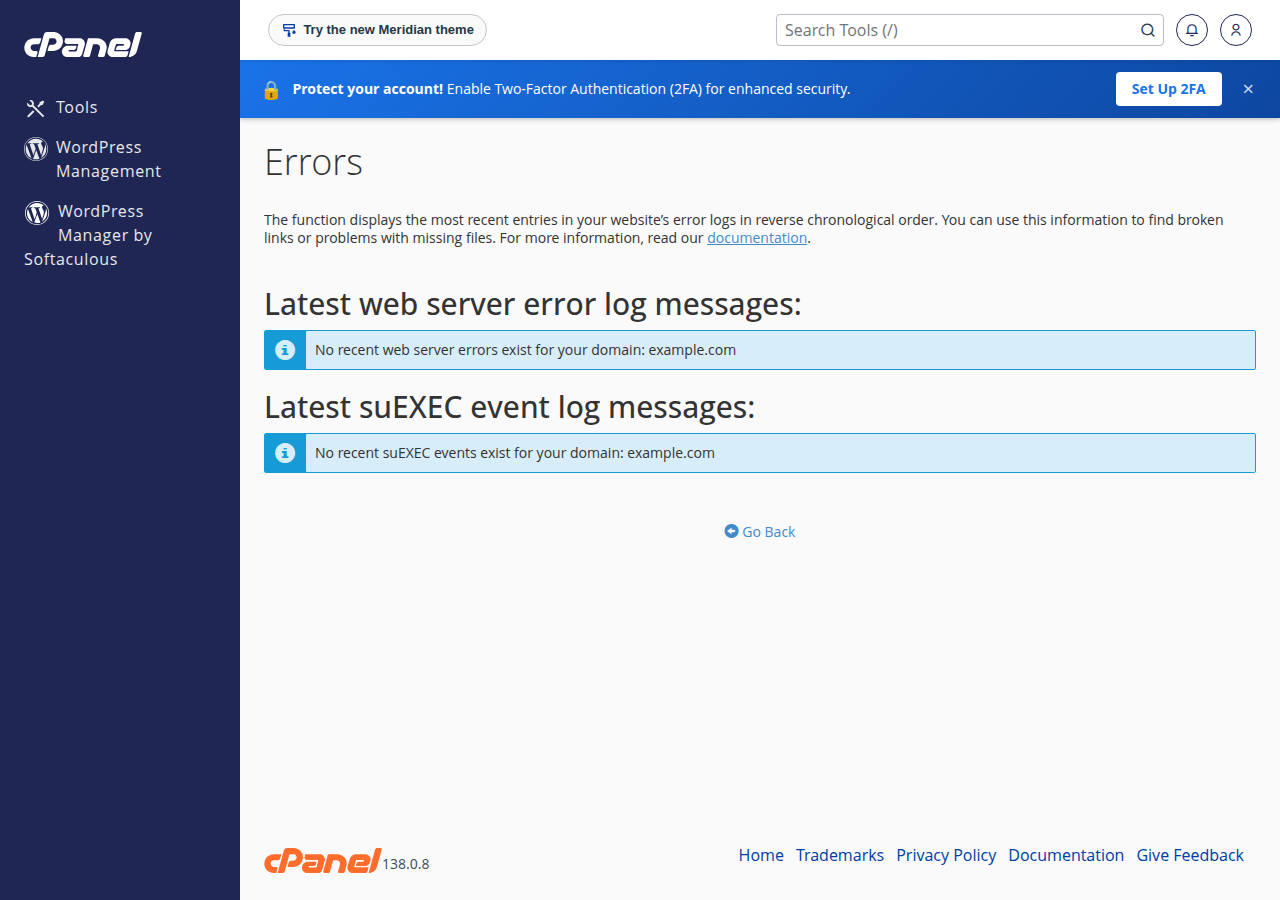
In cPanel go to Metrics › Errors; in DirectAdmin, open the domain's error log from the panel. Also look for an error_log file in the folder of the failing page. Match the newest entries to the time the error happened: a PHP "Fatal error" names the file and line. If the log is empty and errors come and go, check your resource usage. The full walk-through is reviewing error logs in cPanel and DirectAdmin.
3. Mistakes that cause errors on shared hosting
php_valueorphp_flagin.htaccess. Our shared servers run PHP through PHP-FPM or CGI, not as an Apache module, so these lines always give a 500. Change PHP settings in your panel instead.- Permissions of 777. Use 644 for files and 755 for folders; 777 is a security risk and can itself cause errors.
- Deleting
.htaccessto test. Rename it instead, so you can put it back. - Raising
max_execution_timeto fix a 504. On our cPanel servers most sites stop a request after about 60 seconds, and the front-end proxy ends any request at 90 seconds, whatever PHP allows, so the slow job has to be made shorter or moved to a cron job. - Trusting a cached page. On cPanel, a previous copy of a page can be served for up to 120 minutes. Add
?t=123to the URL to see what the server returns now.
If a plugin update caused a 500 or a white screen, rename the wp-content/plugins folder in File Manager, reload the site, then rename it back and re-enable plugins one by one to find the culprit.
4. When to contact support
Open a ticket if several sites fail at once, if the log is empty and the error persists, or if your site, webmail and panel all stop loading from your connection (your IP may be blocked; tell us your public IP). Support is 24/7 live chat, and tickets get a first response within 15 minutes.
Frequently asked questions
What is the difference between a 4xx and a 5xx error?
A 4xx error means the request could not be served as asked, for example a missing page (404) or a forbidden folder (403). A 5xx error means the server or your website's code failed while handling the request.
Where do I find the error log in cPanel?
In cPanel open Metrics and then Errors. Also check for an error_log file in the folder of the page that fails.
Why does my site still show an error after I fixed it?
On Domain India cPanel hosting a cached copy of a page can be served for up to 120 minutes. Add ?t=123 to the address to see the current response from the server.
What causes a 504 Gateway Timeout on shared hosting?
A request that runs longer than 90 seconds on our cPanel servers; most sites stop a request even earlier, after about 60 seconds, with an error. Raising max_execution_time does not help; make the task shorter or run it as a cron job.
Why does adding php_value to .htaccess break my site?
Our shared servers run PHP through PHP-FPM or CGI, not as an Apache module, so php_value and php_flag lines in .htaccess cause a 500 error. Change PHP settings in your control panel instead.
Ready to fix it? Open the full guide for your error from the table above, or open a support ticket with the address, the time and the exact error message.
Tell us the page address, the time it failed and the exact error message, and we will help you find the cause.
Open a support ticket