Linux VPS Hosting
Guaranteed RAM, NVMe SSD storage and full root access. KVM virtualization, its own IPv4 address, built automatically after payment. From ₹800/mo.
- Guaranteed RAM and NVMe SSD storage
- Full root access — your server, your rules
- KVM virtualization — Docker & K8s ready
- Its own IPv4 address, built automatically after payment
Linux KVM VPS: Guaranteed RAM, NVMe SSD and Full Root Access
Guaranteed RAM, NVMe SSD storage, full root access, built automatically after payment...
Click to collapse
Linux KVM VPS: Guaranteed RAM, NVMe SSD and Full Root Access
Guaranteed RAM, NVMe SSD storage, full root access, built automatically after payment...
Click to collapseOur Linux VPS runs on NVMe SSD storage, using true KVM hardware virtualization. Every VPS gets guaranteed RAM, its own IPv4 address and full root access. It suits a busy website, a SaaS application, a database or a development environment.
Unlike container-based VPS that share one kernel, our KVM VPS provides hardware-level virtualization. Each VPS has its own kernel, full root access, and the ability to run Docker, Kubernetes, LXC containers, custom kernels, and any Linux distribution. This is the same technology used by major cloud providers — at a fraction of the cost, with transparent Indian pricing in INR.
Our VPS is unmanaged: you get full SSH root access and look after the operating system and software yourself. Our team looks after the hardware and the network, and helps with reinstalls and reverse DNS. If you only need one WordPress or PHP site and would rather not look after a server, container hosting gives that site its own CPU and memory limits, SFTP and a browser terminal, without root.
Every VPS includes guaranteed RAM, NVMe SSD storage in RAID, its own IPv4 address and a choice of Linux: Ubuntu, Debian, AlmaLinux or Rocky Linux. On VPS built on our current platform you also get snapshots you take yourself (the number depends on your plan, kept on the same server). cPanel is not offered on VPS; if you want cPanel, our shared cPanel hosting plans include it. Refunds follow our Refund Policy.
Everything you need, in your client area
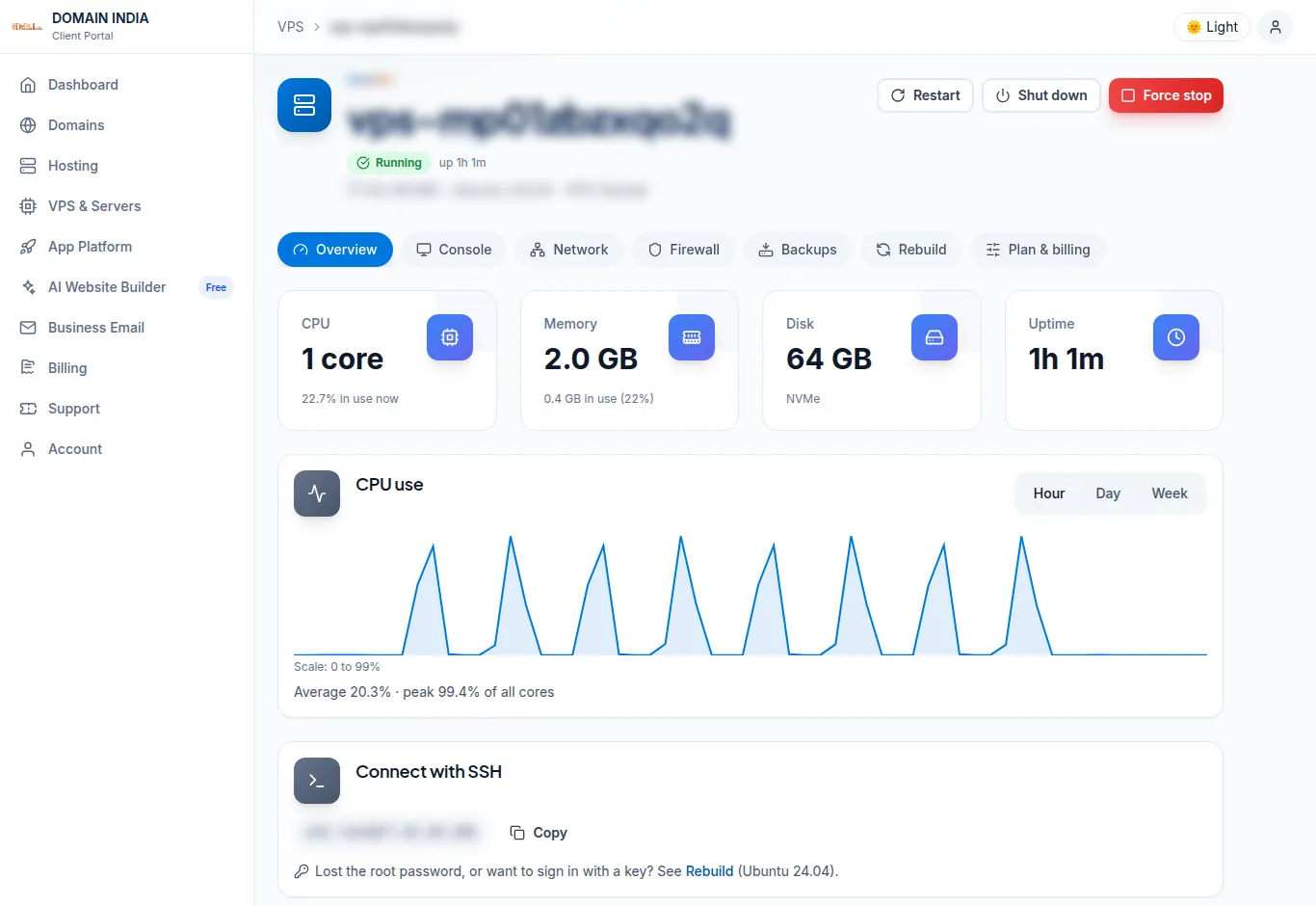
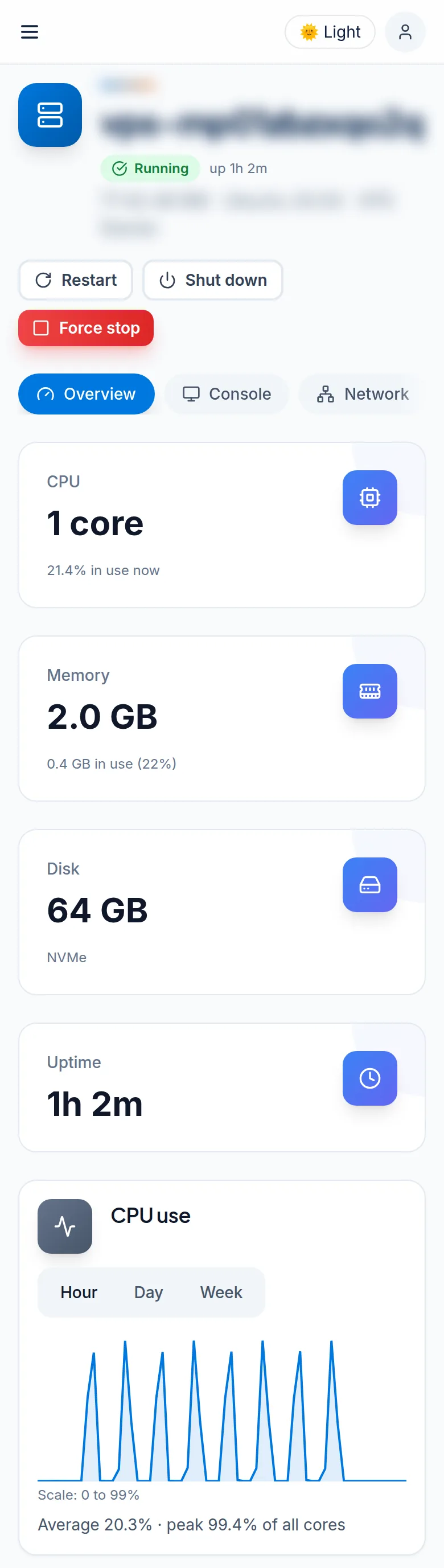
Every VPS you order now has its own page in the client area under VPS & Servers. Your account password (or 2FA code) protects the console.
Power
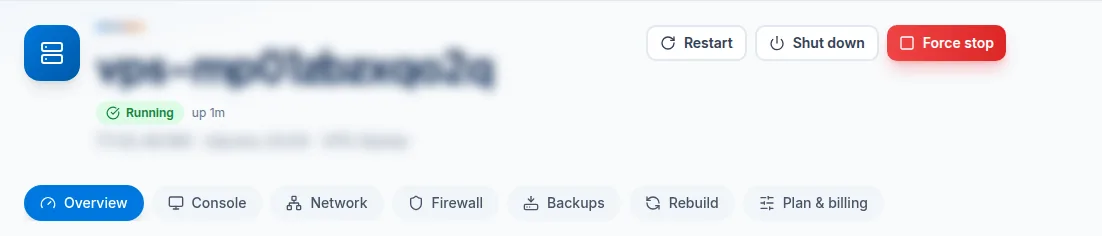
Start, restart, shut down or force stop your VPS with one click.
Browser console
Reach your server's screen from the browser, even when SSH or the network is broken. Paste long passwords with one button.
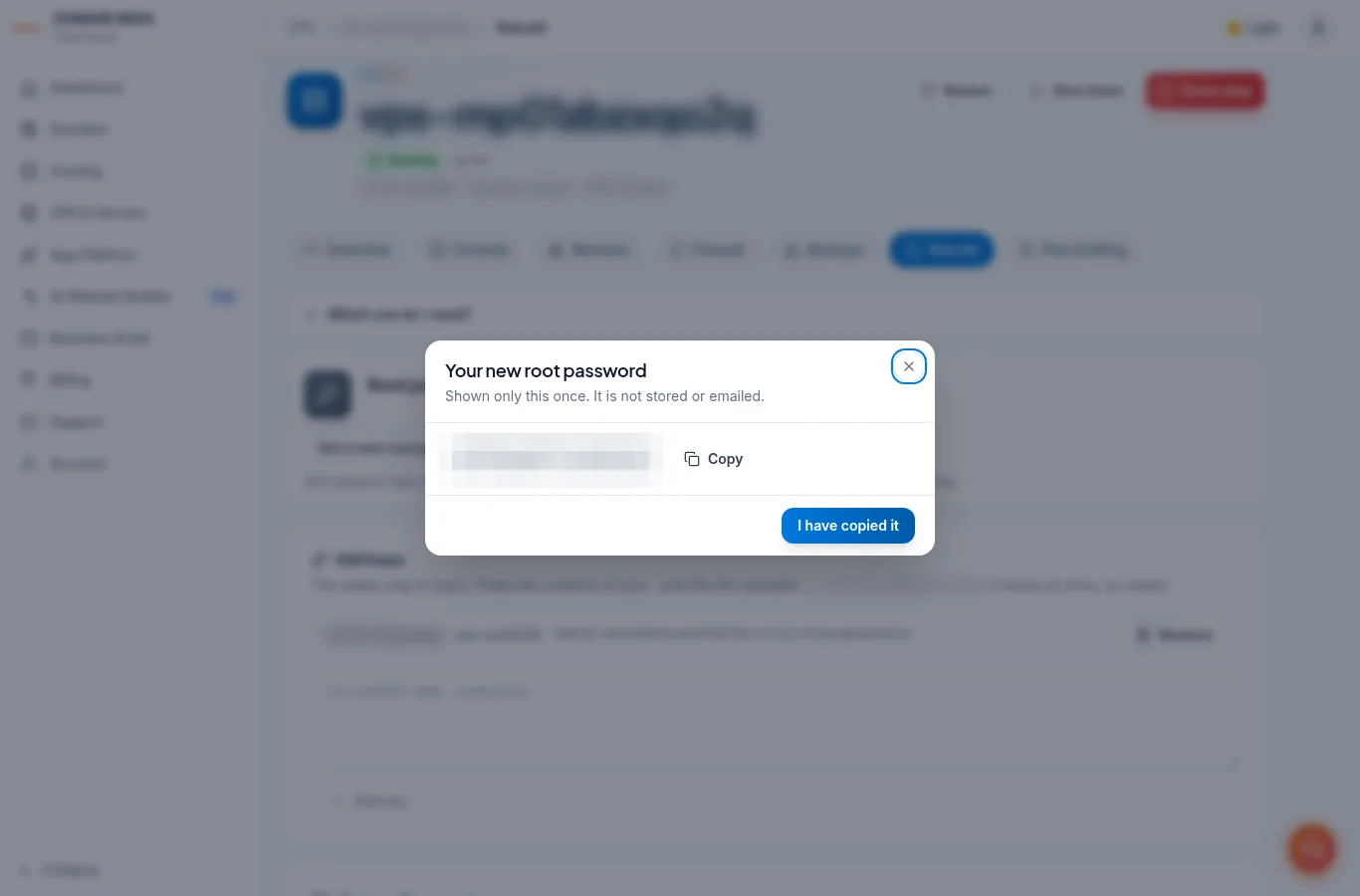
Root password & SSH keys
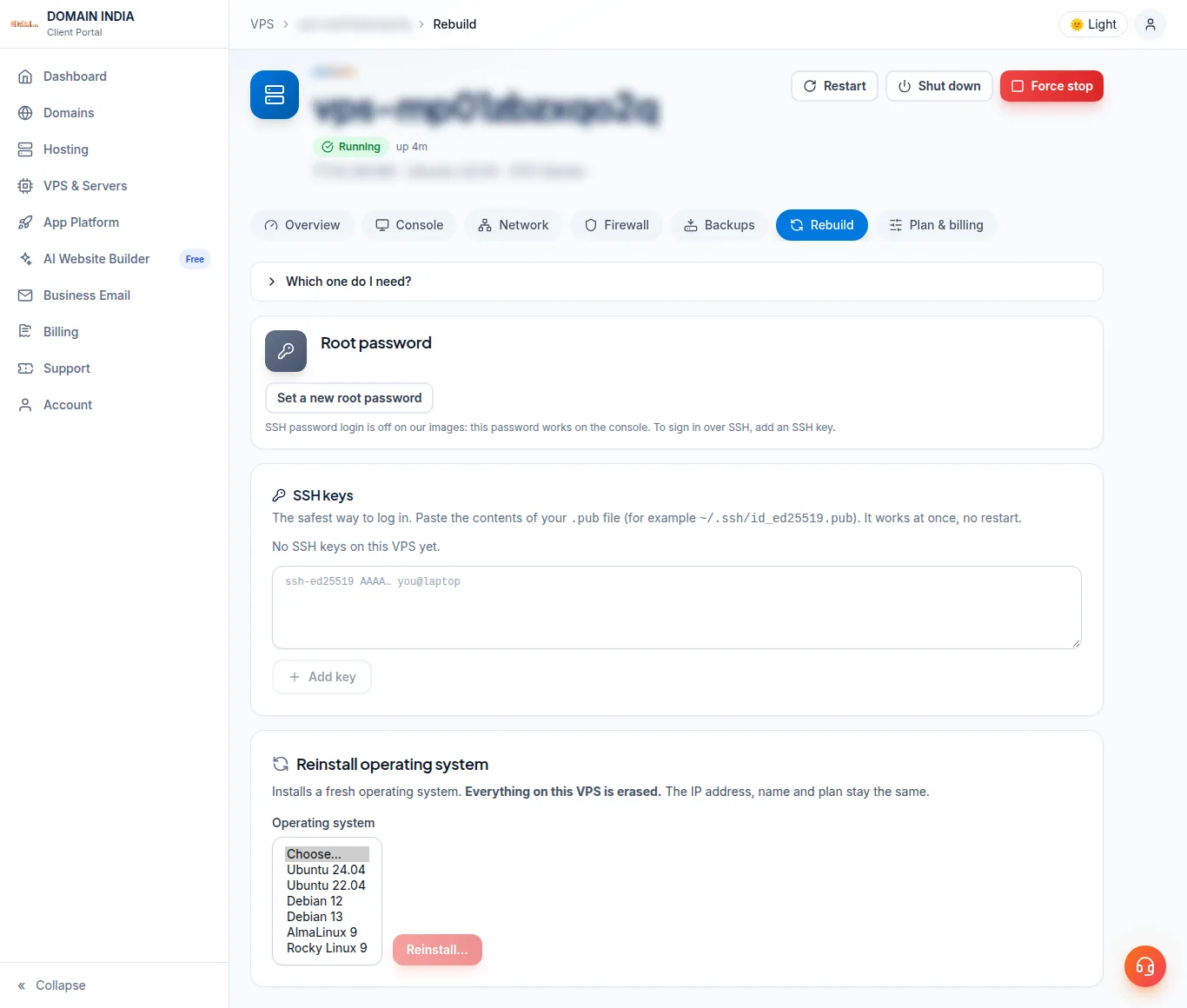
Set a new root password (shown once, not stored) or add your SSH key.
Reinstall
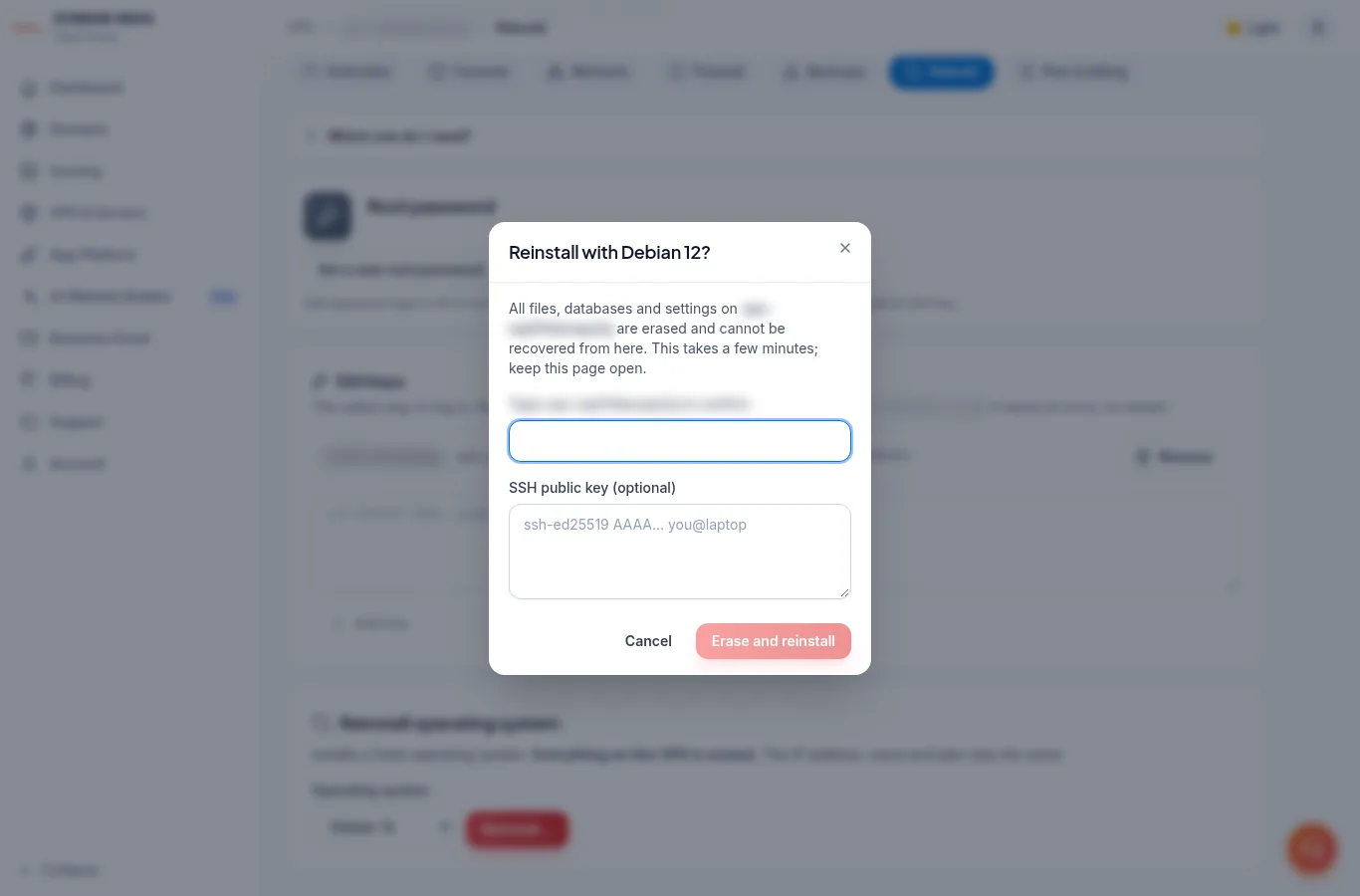
Reinstall any of our six Linux systems. Your IP address and VPS name stay the same.
Roll back
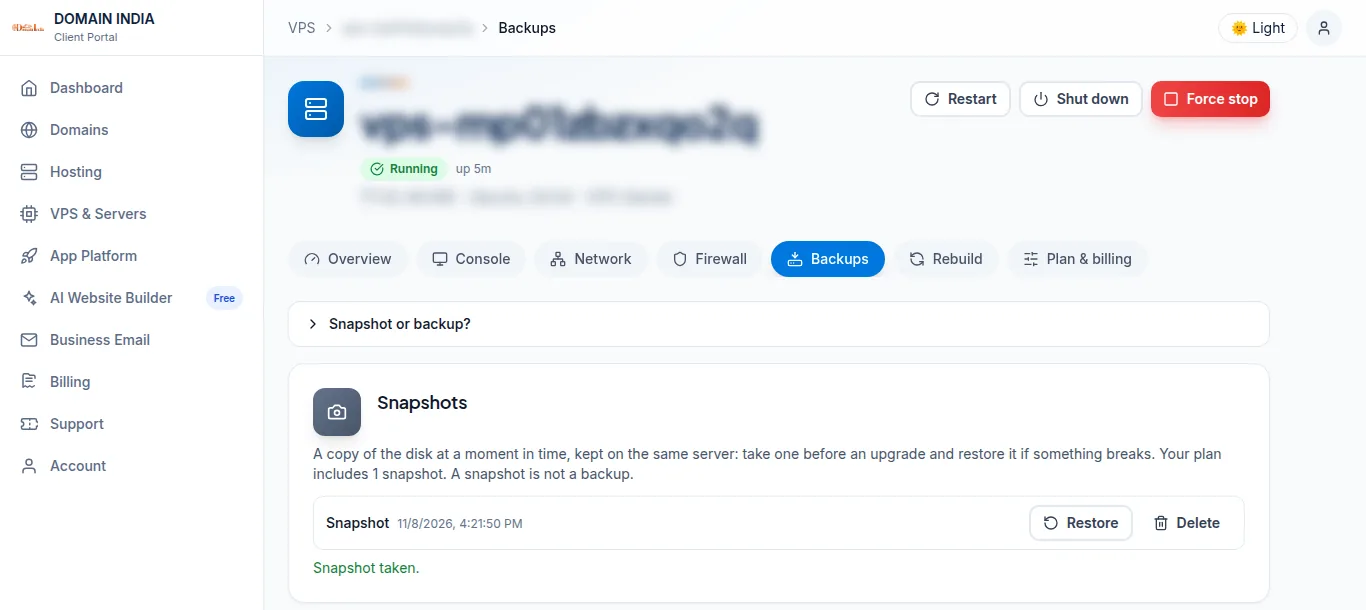
Take a snapshot before a risky change and roll back in one step.
Firewall
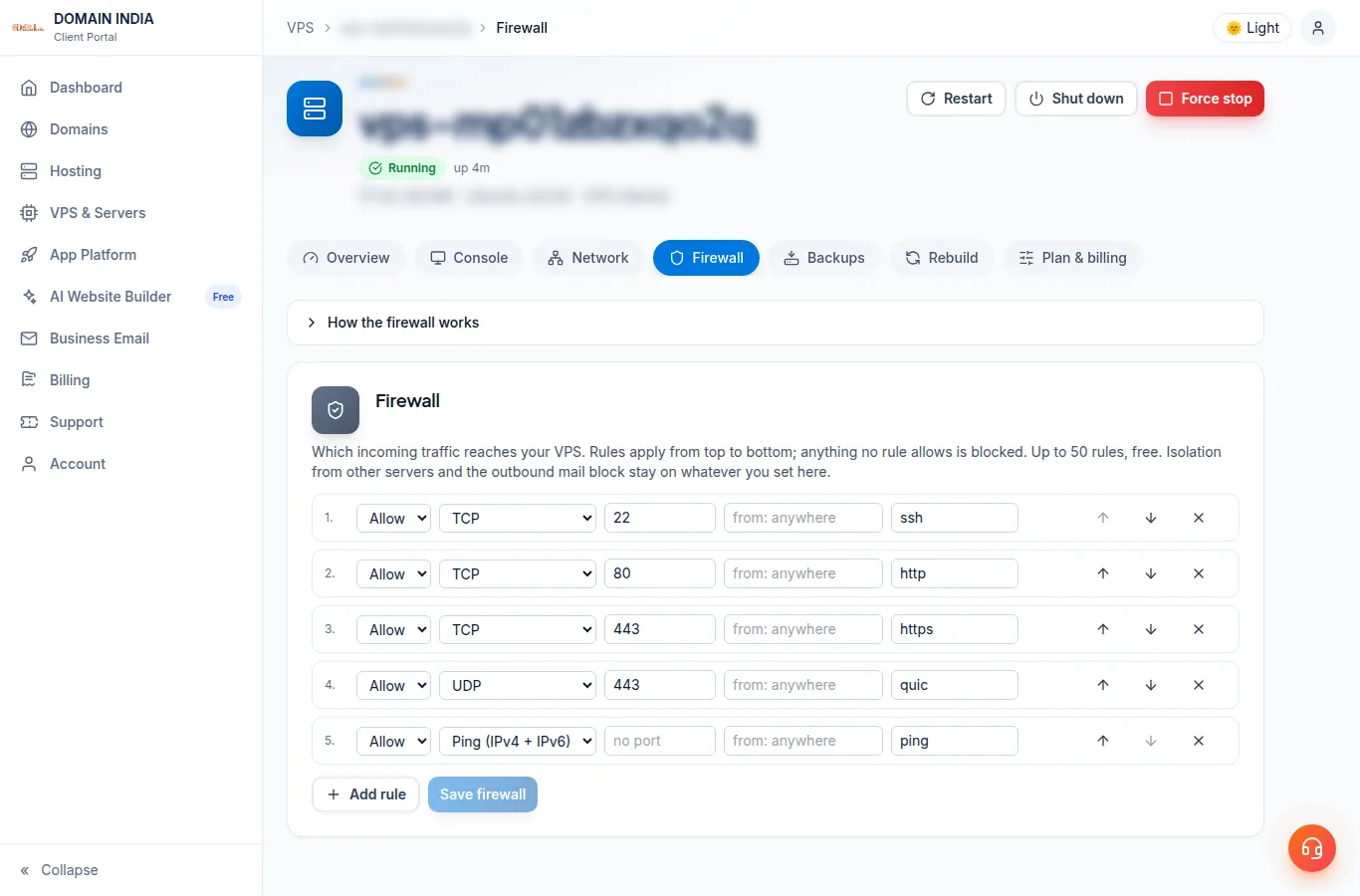
Choose which ports the internet can reach: up to 50 inbound rules, applied outside your VPS.
Reverse DNS
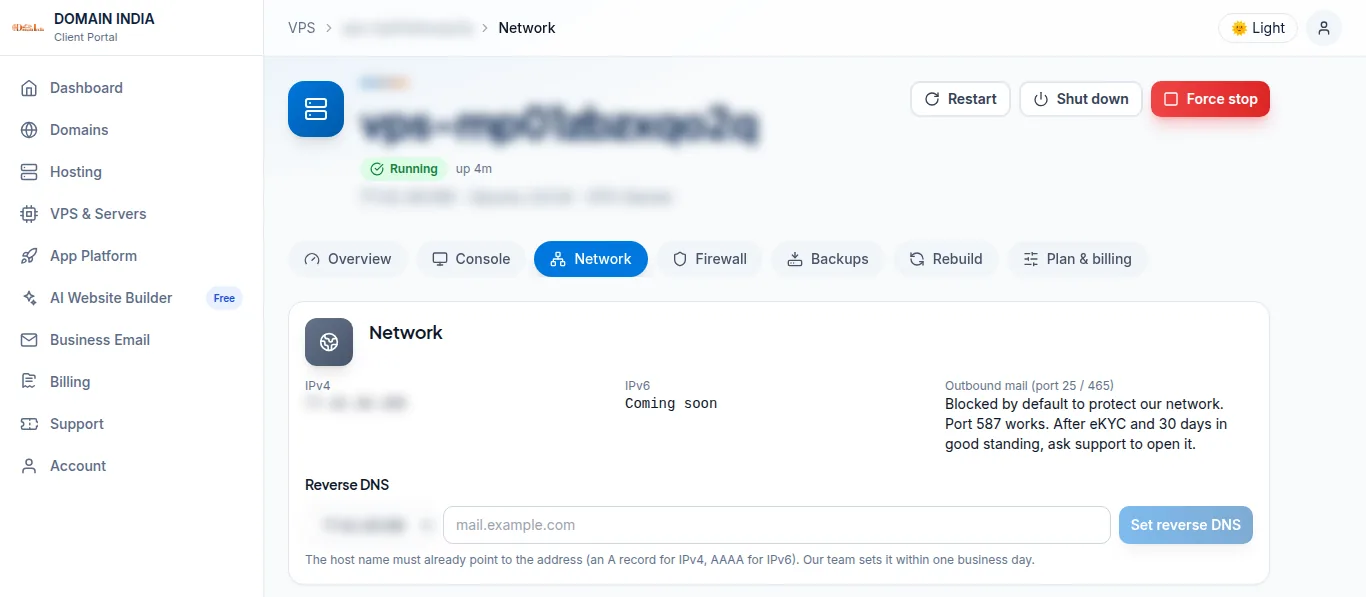
Request a PTR record for your IP from the Network tab.
Live usage
CPU, memory, disk and uptime, with a CPU graph.
Upgrade
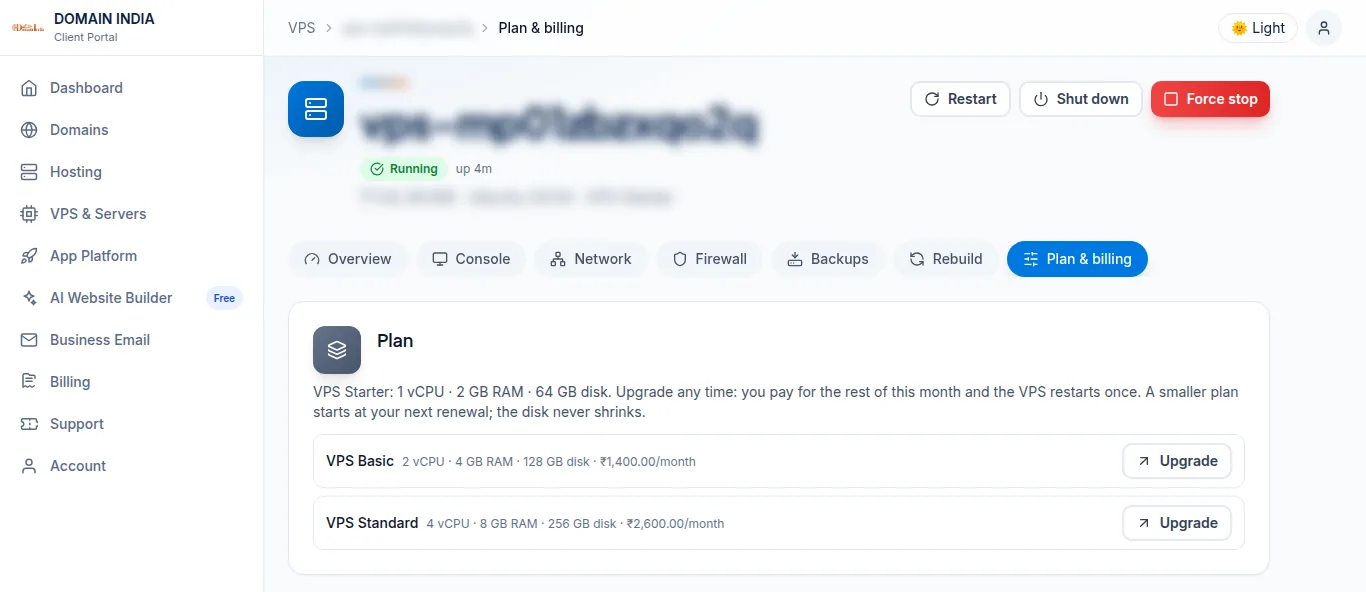
Move to a bigger plan any time from the Plan & billing tab; you pay only the difference for the rest of your term.
What Every VPS Gets
KVM virtualization with guaranteed RAM and NVMe SSD storage
Guaranteed RAM
The RAM in your plan is reserved for your VPS. Storage is NVMe SSD in RAID.
Full Root Access
Complete control via SSH from day one. Install any software, modify any configuration, run any application — it is your server.
Enterprise NVMe SSD
Premium NVMe SSDs deliver up to 10x faster I/O than traditional SSD. Perfect for databases, high-traffic sites, and demanding applications.
Built Automatically
Your VPS is built automatically after payment, usually within minutes, and we email you when it is ready.
1 Gbps Network
A 1 Gbps port on the host, shared by the VPS on it.
Your choice of Linux
Ubuntu 24.04 and 22.04, Debian 12 and 13, AlmaLinux 9 and Rocky Linux 9. Reinstall another from the client area at any time.
VPS Plans and Pricing
Every plan: NVMe SSD, guaranteed RAM and its own IPv4 address
Secure by default
Multi-layered security included with every VPS — no add-ons needed
- Firewall Rules You Control
- Anti-Spoofing on Every VPS
- Isolated KVM Virtualization
- Its Own IPv4 Address
KVM Isolation
Hardware-Level Separation
Complete Server Control
Root access, Docker, Kubernetes, custom kernels, and full flexibility
SSH Root Access
Full root access via SSH. Complete control over server environment, packages, and configurations.
Docker & Kubernetes
Run Docker, Kubernetes, LXC, or any containerization platform natively. KVM provides full kernel access.
Any Database
Install MySQL, PostgreSQL, MongoDB, Redis, Elasticsearch, ClickHouse — any database you need, no restrictions.
Custom Kernel
Modify kernel parameters, install custom kernels, or run specialized workloads requiring kernel-level changes.
Reverse DNS (PTR)
Request a PTR record from the client area; our team sets it within one business day. Needed for mail server deliverability.
Snapshots
Take a snapshot before a risky change and roll back if it breaks: the number depends on your plan, kept on the same server, on VPS built on our current platform.
What Can You Run on Our VPS?
Anything you would run on a dedicated server — but faster to deploy and lower cost
Web Hosting
Host high-traffic websites, WooCommerce stores, and CMS-driven sites with room to grow.
Dev & Staging
Spin up development, staging, and CI/CD environments. Snapshot and roll back whenever needed.
Application Hosting
Run Node.js, Python, Ruby, Java, Go, .NET applications with full root and any framework you want.
Database Servers
Self-hosted MySQL, PostgreSQL, MongoDB, Redis, Elasticsearch — full control over tuning and replication.
VPN & Privacy
Run WireGuard, OpenVPN, or SoftEther for personal VPN, site-to-site, or business remote access.
Game Servers & Bots
Host Minecraft, CS:GO, Discord bots, Telegram bots, or any always-on service.
Why Run Your VPS With Us
Indian payment options, transparent pricing, NVMe SSD storage
NVMe SSD + ECC Memory
NVMe SSD storage in a mirror, on hosts with ECC memory.
Full Root Access
Your own KVM server with its own IPv4 address. Install any Linux software you need.
24/7 Indian Support
Local Indian support team that understands your business. No outsourced helpdesks.
UPI & Indian Payments
Pay with UPI, PhonePe, Google Pay, Paytm, all Indian cards, net banking. GST invoices included.
Transparent Pricing
No hidden fees, no forced upsells, no surprise renewals. What you see is what you pay.
Frequently Asked Questions
Common questions about our KVM VPS