The quickest way to check that Python works on your Domain India hosting is to deploy a tiny sample app: a few lines that print "Hello" in the browser. This page walks you through that sample on a cPanel account, so you can confirm the setup before you upload a real Flask or Django project.
This page covers the sample app only. For Django settings, databases, environment variables, SSH and troubleshooting, read How to deploy a Python app on shared hosting.
In cPanel, open Setup Python App, click Create Application, choose a Python version, set an application root outside public_html, and keep the startup file passenger_wsgi.py with the entry point application. Put a three-line WSGI function in that file, click Restart and open your URL. When "Hello" appears, your setup works and you can replace the sample with your own app.
1. Before you start
You need a Domain India cPanel or DirectAdmin hosting account. Both have a Python application tool. When we checked on 23 September 2026, cPanel offered Python 3.9, 3.11 and 3.12, and DirectAdmin offered 2.7 and 3.8 to 3.13. Pick the newest version; Python 2.7, 3.8 and 3.9 no longer receive security fixes. On Webuzo we could not confirm a Python tool, so ask support.
You don't need SSH for this sample. Everything is done in the control panel. If you need help signing in, see How to log in to cPanel.
2. Create the application
- Open the tool.In cPanel, open Setup Python App in the Software section and click Create Application.
- Choose the Python version.Select the newest version in the list.
- Set the application root.Enter a folder name such as
helloapp. Keep it outsidepublic_html, so your code files can't be downloaded as plain files. - Set the application URL.Choose your domain and, if you want, a path such as
hello. The app then answers athttps://yourdomain.com/hello. - Keep the defaults for the startup file and entry point.Use
passenger_wsgi.pyandapplication. Click Create.
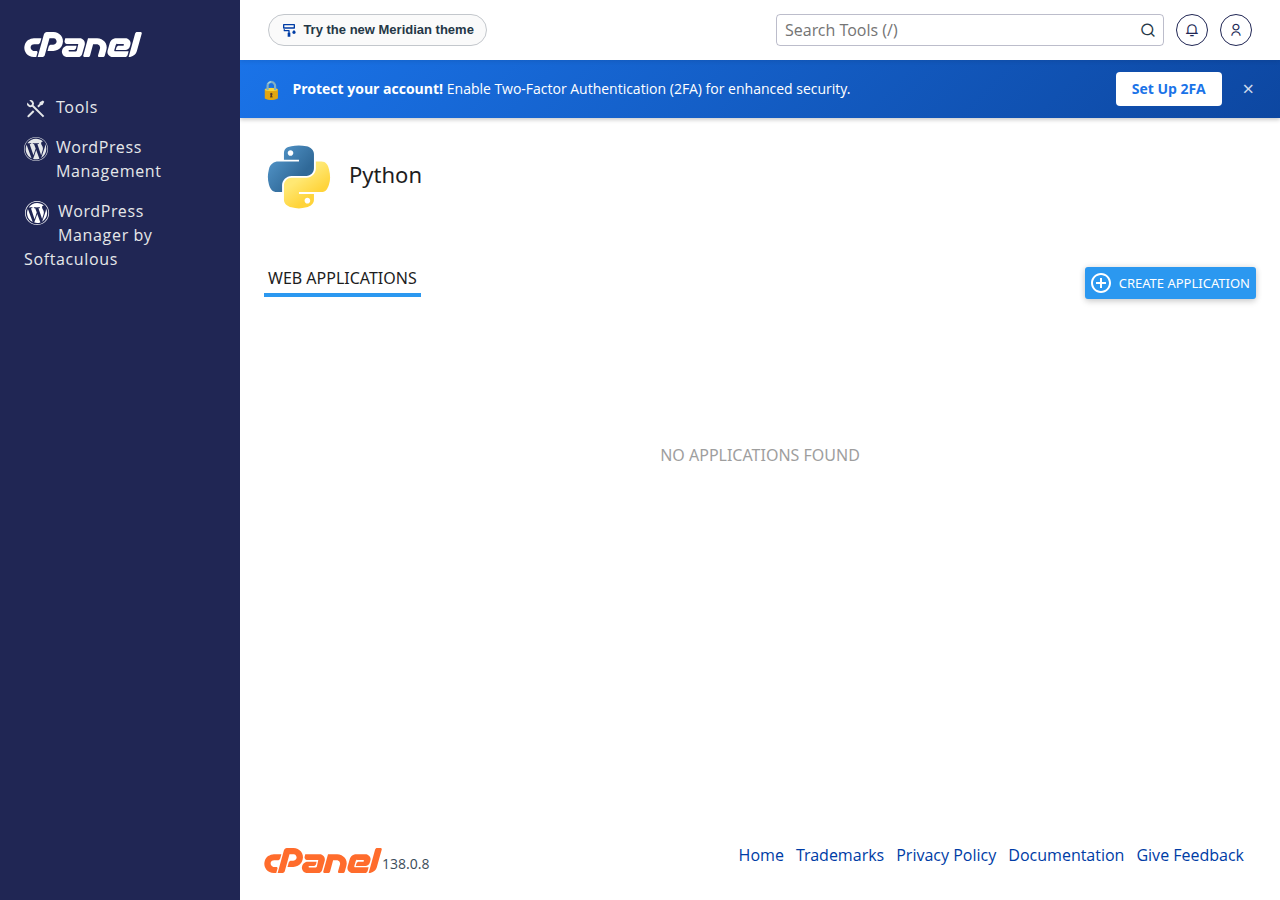
cPanel creates the folder, a virtual environment for the app and a starter passenger_wsgi.py file.
3. The sample code
Open the application root in File Manager and edit passenger_wsgi.py. Replace its contents with this plain WSGI app, which needs no extra packages:
def application(environ, start_response):
    body = b"Hello from Python on Domain India hosting"
    start_response("200 OK", [
        ("Content-Type", "text/plain; charset=utf-8"),
        ("Content-Length", str(len(body))),
    ])
    return [body]
Save the file, go back to Setup Python App, click Restart on your app and open its URL. You should see the text in your browser.
4. The same sample with Flask
Most real projects use a framework. To try Flask:
- Create a file called
requirements.txtin the application root containing one line:Flask. - Create
app.py:
from flask import Flask

app = Flask(__name__)

@app.route("/")
def home():
return "Hello from Flask on Domain India hosting"- Replace
passenger_wsgi.pywith:
import os
import sys

sys.path.insert(0, os.path.dirname(__file__))

from app import app as application- On the app's page in Setup Python App, add
requirements.txtunder the configuration files, click Run Pip Install, then Restart.
Passenger, the application server behind the tool, is what serves the app, so you don't need to run flask run, Gunicorn or Uvicorn.
5. If the sample doesn't load
- "Web application could not be started" or an error page: check
passenger_wsgi.pyfor typing mistakes and confirm the function or variable is calledapplication. Restart after each change. - ModuleNotFoundError: No module named 'flask': the package isn't installed in the app's environment. Run Run Pip Install again from the app's page.
- You still see an old version of the page: restart the app, then reload with a test string such as
?t=1on the end of the URL. Our cPanel servers can serve a cached copy of a page for up to 120 minutes. - Your app's errors: if the app page offers a Passenger log file setting, set a path such as
logs/passenger.login your home folder and read that file after a failed request.
6. After the sample works
Replace the sample files with your own project and install its requirements the same way. For a production app with background workers, an ASGI server or heavy traffic, the App Platform or a VPS fits better. Both are covered in the full guide.
Do I need SSH to create a Python app on Domain India cPanel hosting?
No. You create the app, edit files and install requirements from the control panel. Jailed SSH is available on every shared hosting plan on request; it is off by default.
Which startup file and entry point should I use?
Use passenger_wsgi.py as the startup file and application as the entry point. Passenger looks for a WSGI callable with that name in the file.
Should the application root be inside public_html?
No. Put it in its own folder outside public_html, such as helloapp, so your source code can't be downloaded. The application URL decides where the app answers on your domain.
Which Python versions can I choose?
When we checked on 23 September 2026, cPanel offered Python 3.9, 3.11 and 3.12, and DirectAdmin offered 2.7 and 3.8 to 3.13. The control panel shows the current list when you create an app.
Why do I still see the old page after changing my code?
Restart the app from Setup Python App after every change, then reload the URL with a test string such as ?t=1, because the cPanel servers can serve a cached copy of a page for up to 120 minutes.
Ready to build on it? Follow the full Python guide, compare cPanel hosting plans, or open a support ticket if the sample won't start.
Send us your application URL, the Python version you chose and the error you see, and we will check it with you.
Open a support ticket